24
| What’s in the Box Device OxygenOS Safety Information
Customization
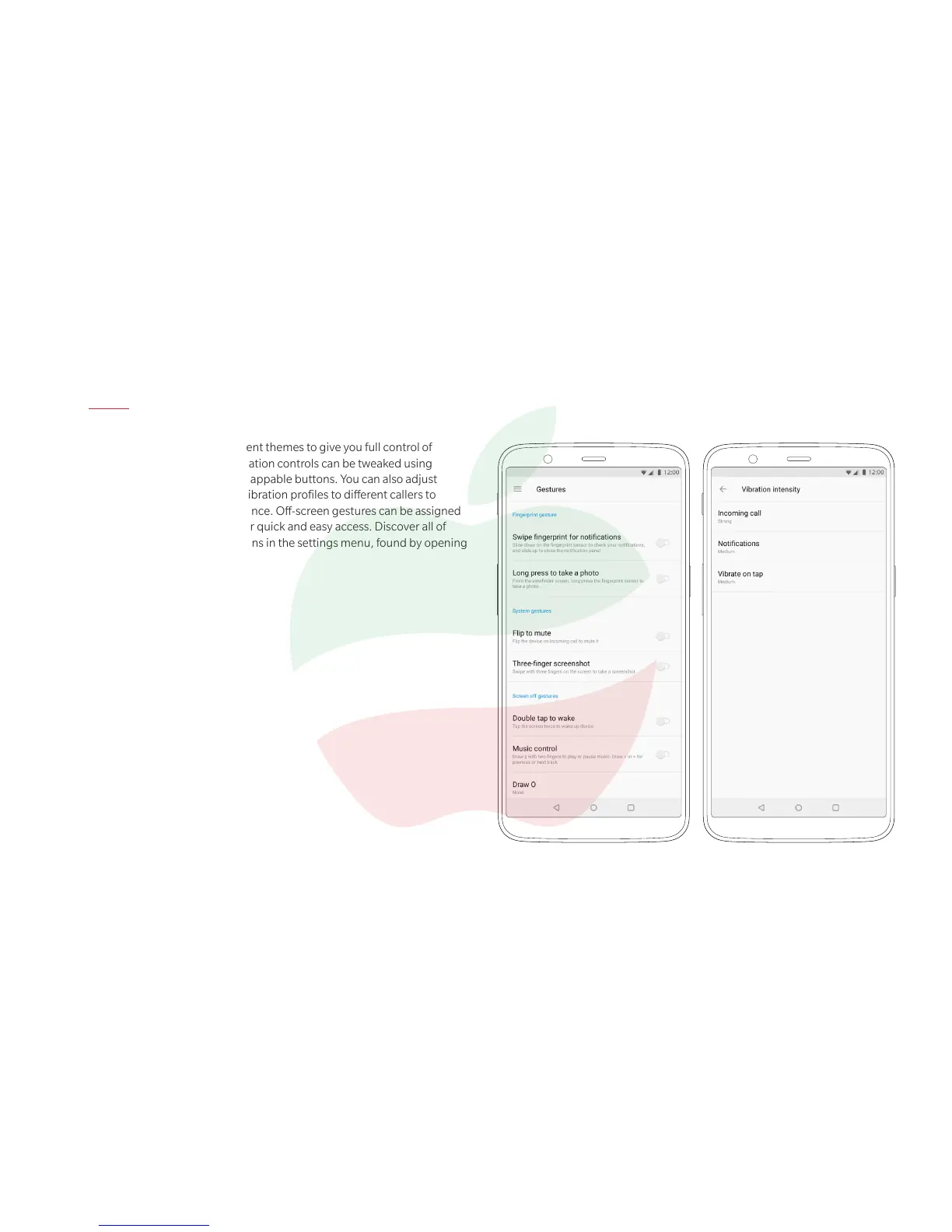
OxygenOS features three different themes to give you full control of
your viewing experience. Navigation controls can be tweaked using
custom gesture controls and swappable buttons. You can also adjust
vibration intensity, and assign vibration proles to different callers to
further personalize your experience. Off-screen gestures can be assigned
to different apps and features for quick and easy access. Discover all of
OxygenOS’ customization options in the settings menu, found by opening
the “Settings” app.
ParsisMobile.com
ParsisMobile.com



 To Next Page