Settings
39
Swap buttons: Enable this to swap the
position of the Recent and back buttons.
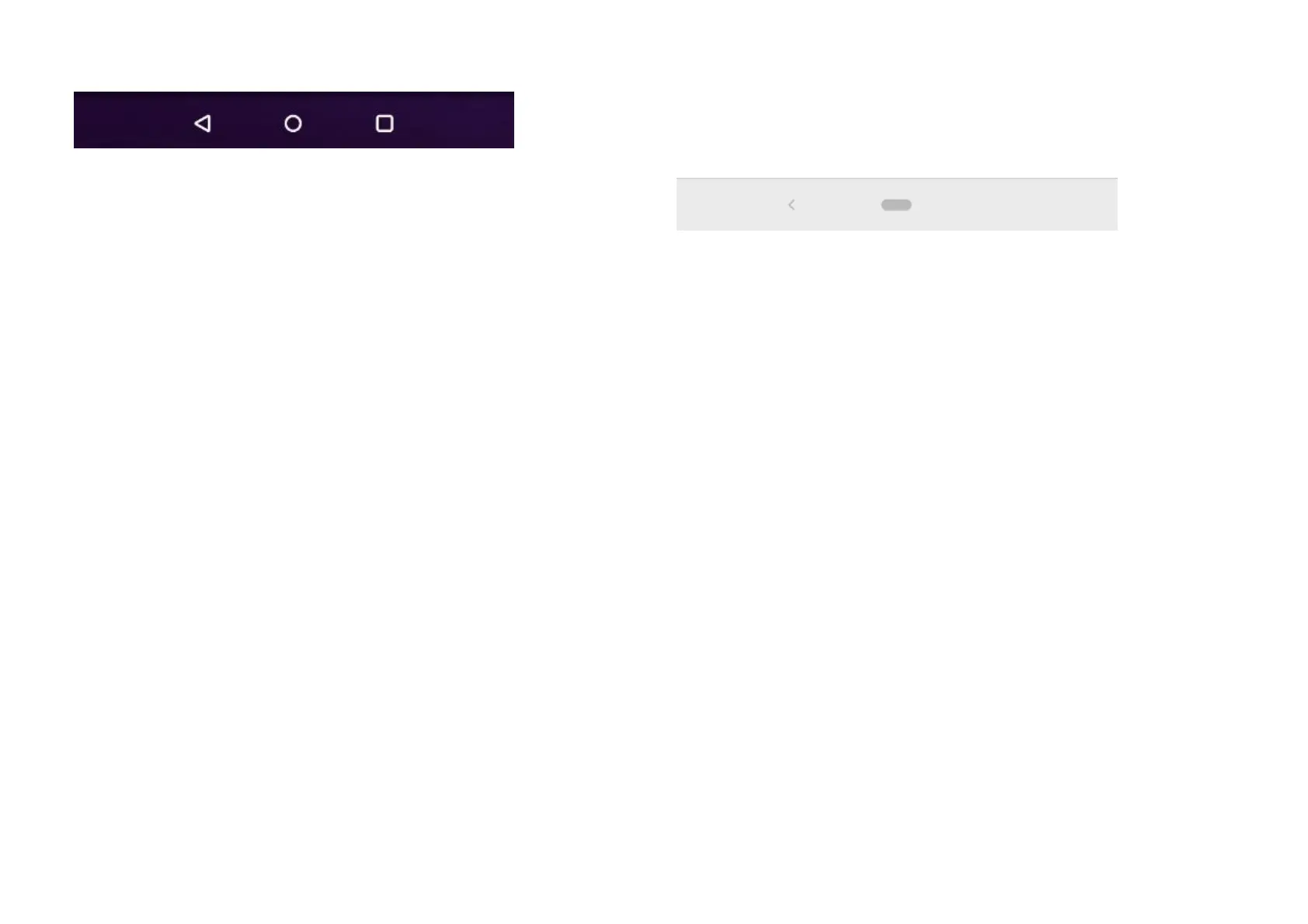
Hide the navigation bar: Enable this to add
a button to hide or show the navigation bar.
Double tap action & Long press action:
Set Double tap action or Long press action
on "Home, Recent, Back". Supports No action,
Open/close Menu, Turn off screen, Open
Shelf, Open/Close and more.
Back, Home
Enable this to display the virtual "Back and
Home" buttons on the bottom of the screen.
Tap Navigation bar customization for custom
settings.
Swap buttons: Enable this to swap the
position (right or left side) of the back buttons.
Double tap action & Long press action: Set
Double tap action or Long press action on
HOME, Back. Supports No action,
Open/close Menu, Turn off screen, Open
Shelf, Open/Close and more.
Navigation gestures
The virtual "Back, Home and Recent" buttons will
be hidden.



 To Next Page