23User ManUal v1.6
Duty Cycles
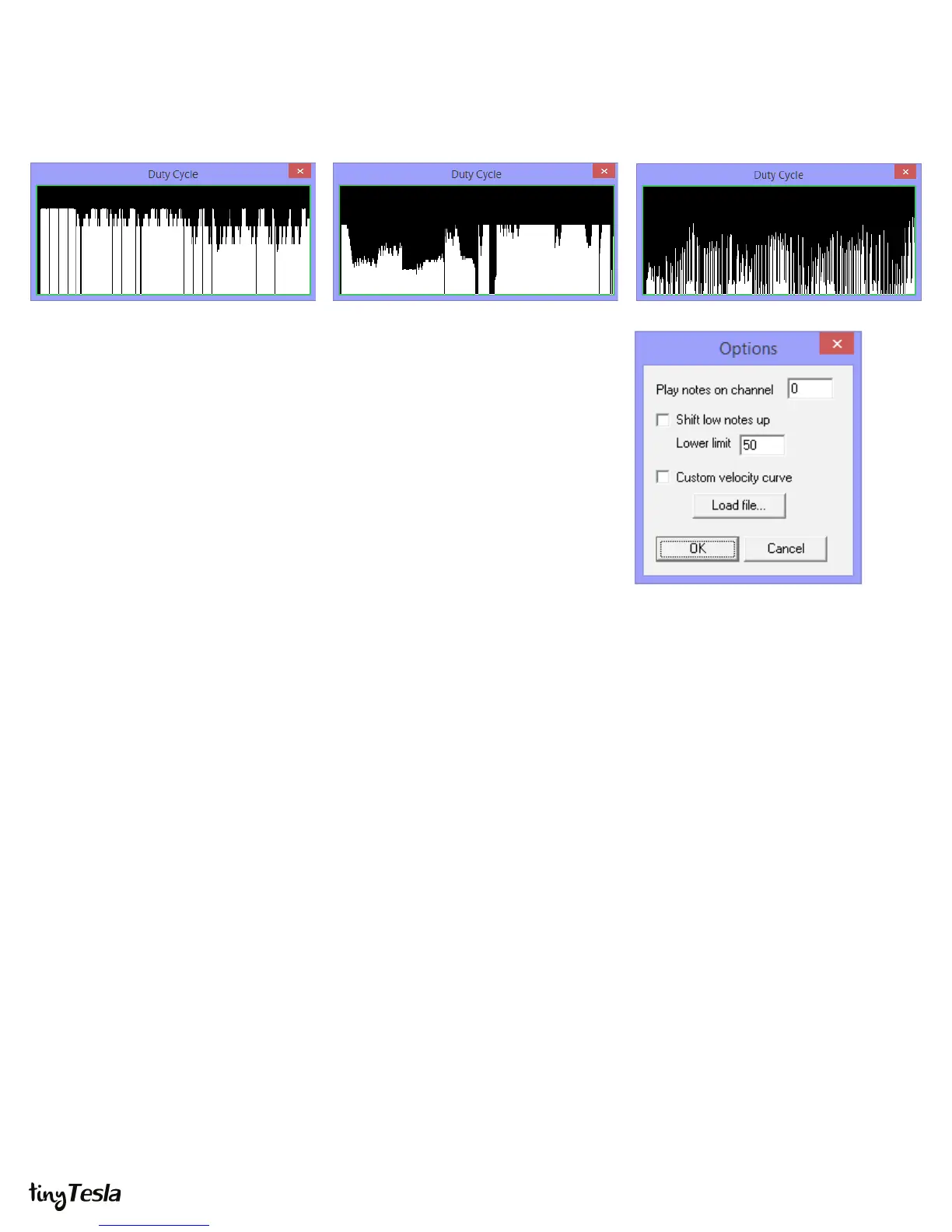
Duty Cycles plots duty cycle versus time. This is useful for determining how much power
the coil will draw while playing a given song. The more white in the dialog, the hotter the
coil will run.
Options
Finally, Options contains a few useful playback utilities.
Play notes on channel lets you change the MIDI channel that is played back. This is
useful if the primary track in your le is not on channel zero.
Shift low notes up adds an octave to low notes. Setting a limit of 127 shifts the entire
song up an octave. Limits other than 127 will possibly cause the song to sound o-key,
but may be useful for coils which cannot tolerate low notes (fortunately not ours!).
Finally, Custom velocity curve allows you to load a lookup table (LUT) for actual
velocity versus le velocity. The software expects this as a space or tab-delimited text le
containing 128 numbers between 0 and 127 (127 being 100% power), corresponding to
the playback duty cycles for MIDI velocity 0 to 127. This is useful for applications such as
linearizing the output of the coil.
Need help?
Go to the sub-forum on 1T Panel at onetesla.com/forum.
Nyan Cat Flight of the Bumblebee Satisfaction


 To Next Page
 Loading...