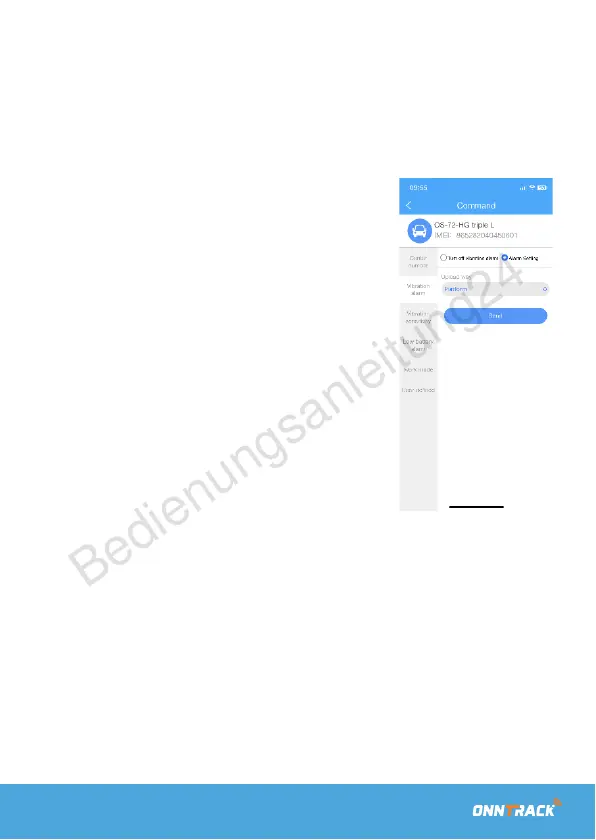
To set up a (motion) alarm.
In the ASSIGNMENT menu, you can set up a motion alarm,
which will send an alert to your phone in case of any
unwanted movement.
Press 'Vibration alarm' to enable or
disable it. Afterward, press 'Send' to
activate the alarm.
When you enable the alarm, it will only
be triggered after the tracker registers
the same location for a few minutes. It
is not immediately active upon
activation.
With the ARM/DISARM function, you
can manually enable or disable the
alarm yourself.



 To Next Page