Connect the Type-C charging cable* to your Duet.
Use an adapter and wall outlet to charge the device, it will
buzz twice when it connects to the power source.
Watch the battery percentage climb until it reaches a
full charge.
*Pro Tip: You can use the Duet while it charges!
Pull the base out of the Duet and screw in one or both 510
oil cartridges.
Turn the Duet upside down and use the IntelliSwitch (the
small switch in the center) to tell the device which cart(s)
to use.
To use both carts, leave the switch in the center.
Slide the switch to the left or right to use only
that cartridge.
Replace the base in the device.
Click the power button 5x to turn the Duet on.
To adjust the voltage level, click the button 3x to activate
flex temp. Then click the button once to change the level.
Wait 3 seconds for flex temp to end.
*Pro Tip: Click the button 4x for an alternate
battery view.
Press the button to heat the Duet and take your hit.
*Pro Tip: Press the button twice to activate Prep
Mode. This is a 10-second gentle heat cycle
that helps clear any clogs in the cartridge airway.
We recommend running Prep Mode before
each session.
Click the button 5x to turn the Duet off.
REGISTER YOUR DUET
1.
2.
3.
1.
2.
3.
4.
5.
6.
7.
a.
b.
a.
a.
a.
Find the authentication code etched on the
back of the device.
Go to ooze.life/register and use this code to
fill out the registration form.
Submit the form. Your Duet is officially
registered in our system, and your warranty
is activated!
1.
2.
3.
*The Duet does NOT include a charging cable. Type-C is known as
the “universal” cable, so you probably have one already! If not, you
can grab one from Oozelife.com.
HOW TO USE THE DUET
CHARGING THE DUET
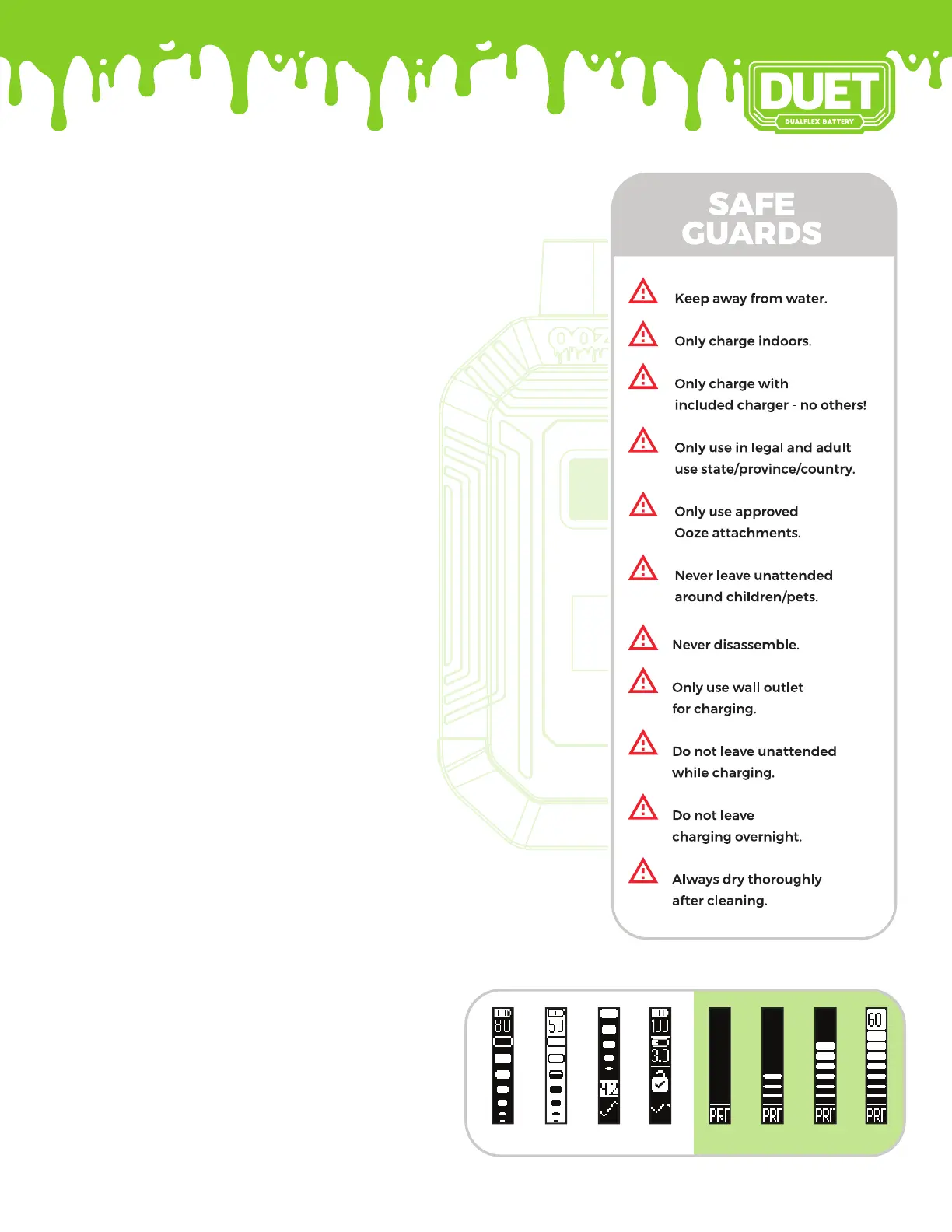
OLED SCREEN INFO
BATTERY
LIFE
CHARGING VOLTAGE PRE-HEATMAIN
SCREEN


 To Previous Page
 Loading...