Enter the 6 digit authentication code
printed on your battery, at
oozelife.com/apps/product-registration
to register your product.
WARRANTY
INFORMATION
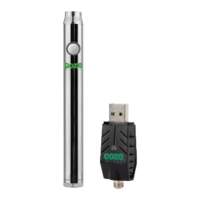
When using the adaptors, the short
adaptor is made for the 1ml cartridges,
while the tall adaptor is made for the
.5ml cartridges and the Wax Atomizer.
ADAPTOR TIP
POWER
BUTTON
To turn ON and OFF,
press the power button
5 times fast.
PREHEAT
MODE
Once the Duplex is ON, press
Power Button 2x quickly to
begin preheat. Press Power
Button 1 time to deactivate.
ADJUST VARIABLE
VOLTAGE
Once the duplex is ON,
press the power button 3
times quickly until the
desired voltage is aquired.
Red Light (4.0V)
Orange Light (3.8V)
Green Light (3.6V)
Blue Light (3.4V)
CHARGING
THE DUPLEX
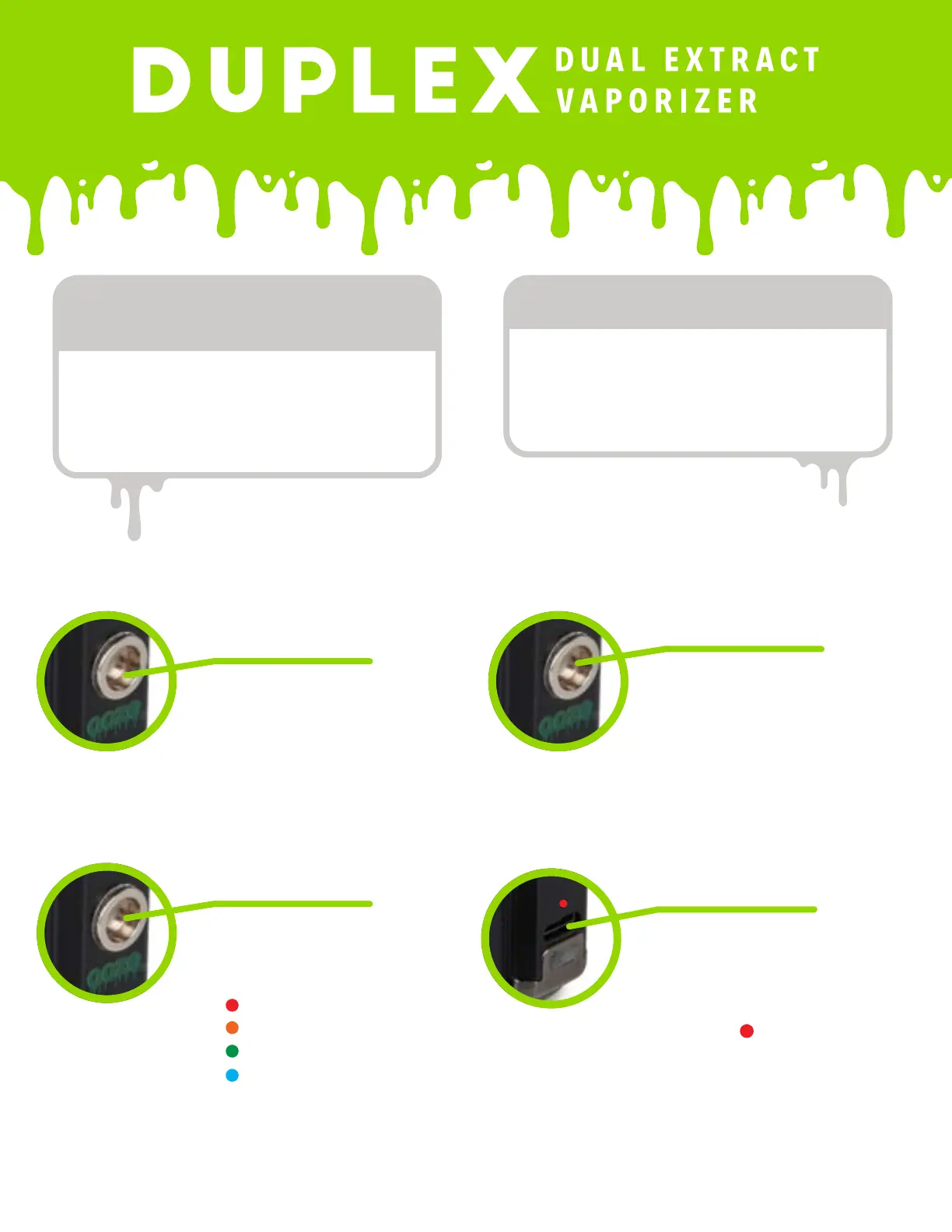
Attach the Duplex USB
Charger into the charging port
located on the front of the
unit.
The USB LED indicator will
turn red during the
charging and TURN OFF when
the charge is complete.
Total charge time is around
1 hour.


 To Next Page