208 Driving and operating
Pop-up function
Speed limits and no passing signs are
displayed as pop-ups on each page
of the Driver Information Centre.
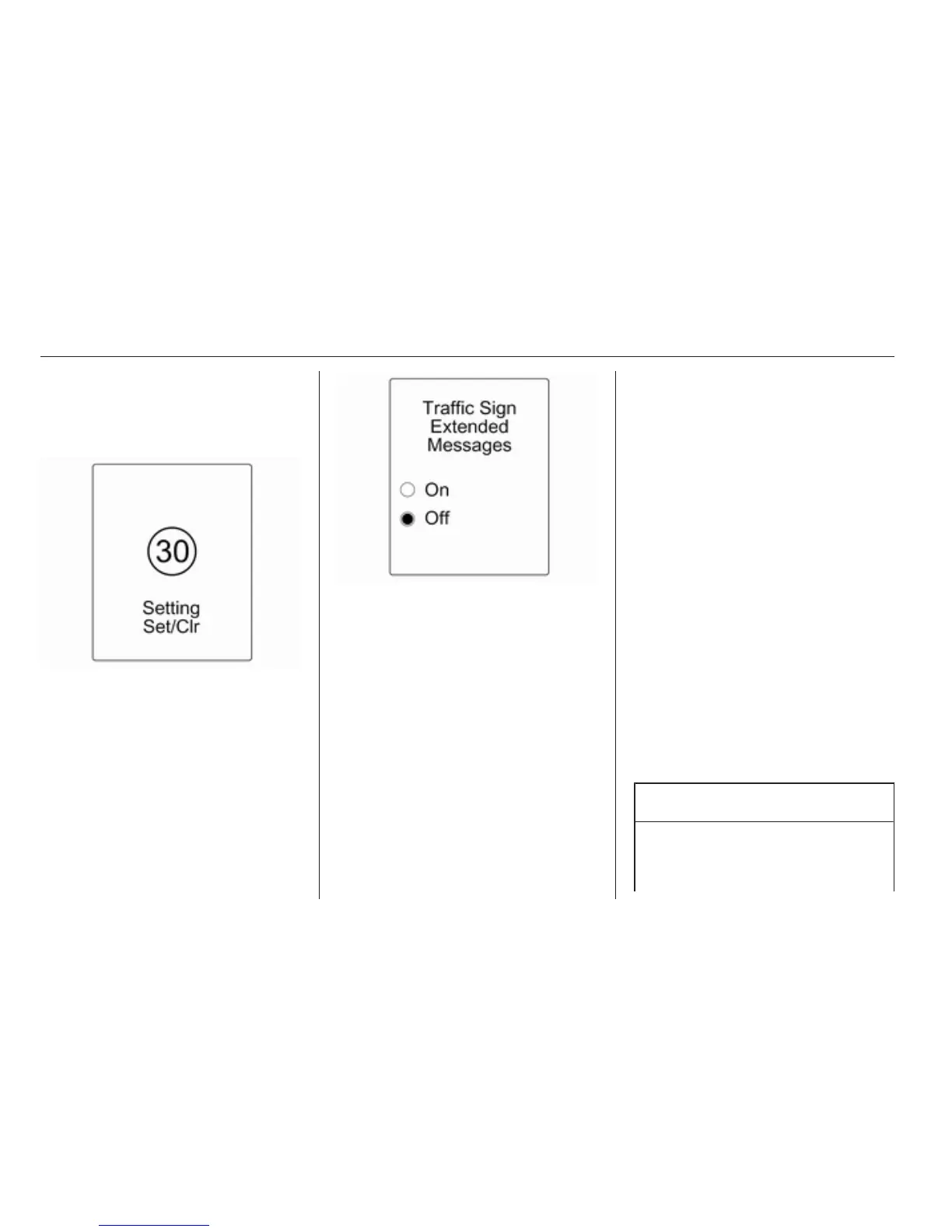
The pop-up function can be
deactivated on the traffic sign page by
pressing the SET/CLR button on the
turn signal lever.
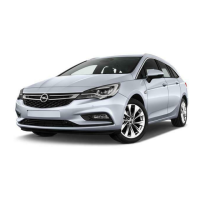
Once setting page is displayed, select
Off to deactivate pop-up function.
Reactivated by selecting On. When
switching on the ignition, pop-up
function is deactivated.
Pop-up indication is displayed for
approx. 8 seconds in the Driver
Information Centre.
Fault
The traffic sign assistant system may
not operate correctly when:
■ the area of the windscreen, where
the front camera is located, is not
clean
■ traffic signs are completely or
partially covered or difficult to
discern
■ there are adverse environmental
conditions, e.g. heavy rain, snow,
direct sunlight or shadows. In this
case No Traffic Sign Detection due
to Weather is indicated on the
display
■ traffic signs are incorrectly mounted
or damaged
■ traffic signs do not comply with the
Vienna Convention on traffic signs
(Wiener Übereinkommen über
Straßenverkehrszeichen)
Caution
The system is intended to help the
driver within a defined speed
range to discern certain traffic










 To Next Page