USB port 31
Music browser
Depending on the model/version of
the connected iPod and the data
stored, there are various options for
the selection and playing of tracks.
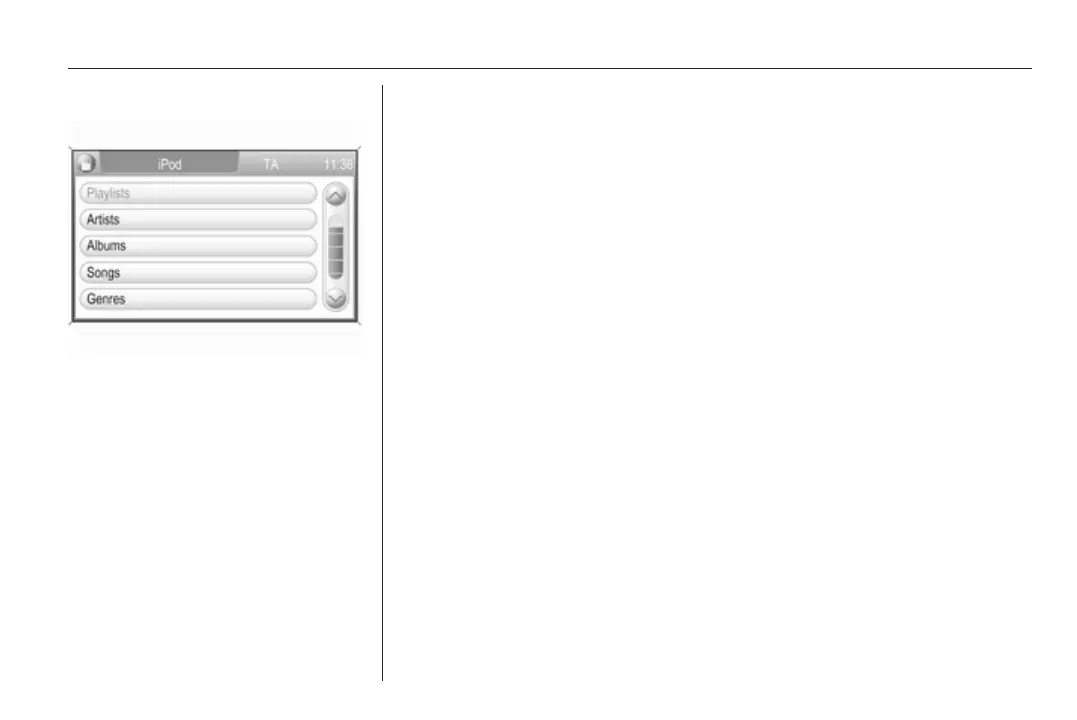
Select the Browse screen button to
display a menu with the available
options for music browsing.
Select the desired option for music
browsing.
The following operating steps are
mainly the same as described for
track selection in folders on an MP3/
WMA CD 3 24.









 To Next Page