Navigation 57
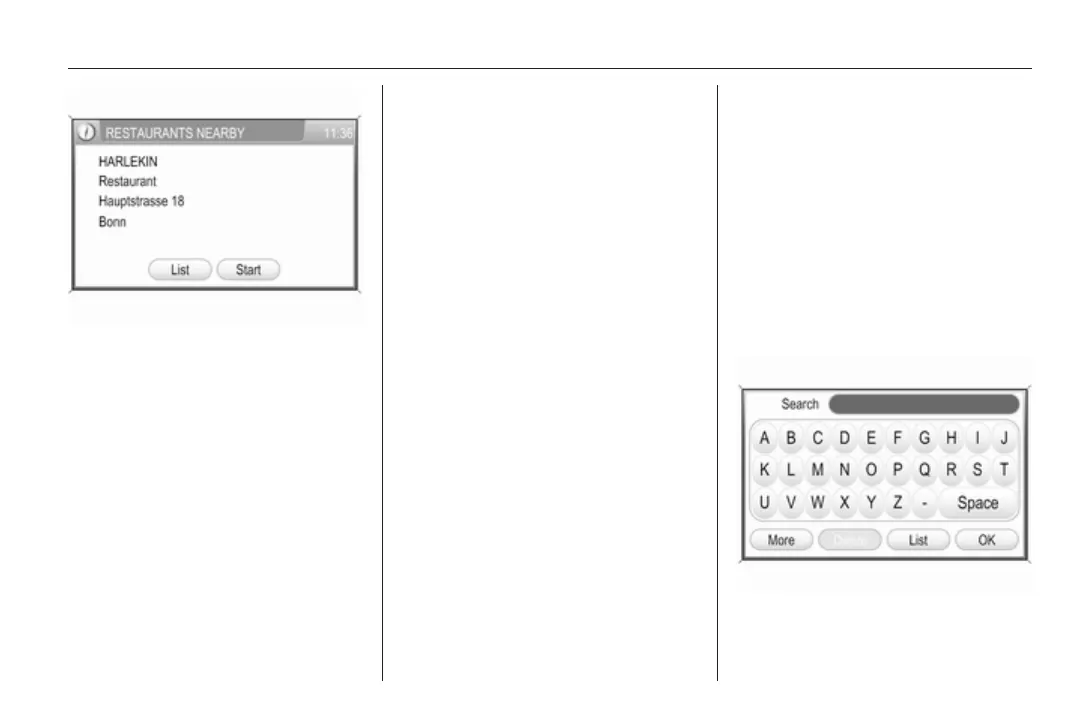
To return to the restaurant list:
select the List screen button.
To start route guidance to the
selected restaurant: select the
Start screen button.
Description on route guidance, see
chapter "Guidance" 3 63.
■ Parking nearby: shows a list of
parking areas nearby the current
location.
Operating steps to start route
guidance to a particular parking
area, see instructions on
Restaurants nearby above.
■ Petrol stations nearby: shows a list
of petrol stations nearby the current
location.
Operating steps to start route
guidance to a particular petrol
station, see instructions on
Restaurants nearby above.
■ Search near here: provides access
to all POIs nearby the current
location.
A message is displayed after
selecting the menu item.
To find a specific POI you can
search by Category or by Name.
Select the desired search option
(screen button) in the message.
Searching by category:
After selecting the Category screen
button in the message, a list of POI
categories is displayed.
Select the desired category.
Depending on the category
selected, a list of relating
subcategories to refine the POI
search may be displayed .
In such cases, select the desired
subcategory.
Finally, a list of category specific
POIs will be displayed.
Operating steps to start route
guidance to a particular POI, see
instructions on Restaurants
nearby above.
Searching by name:
After selecting the Name screen
button in the message, a menu with
keypad for POI search is displayed.
Enter a POI name, or a part of that
name, and then select the List
screen button to start a search for
that POI, or respectively, for all









 To Next Page