126 USB port
Music browser
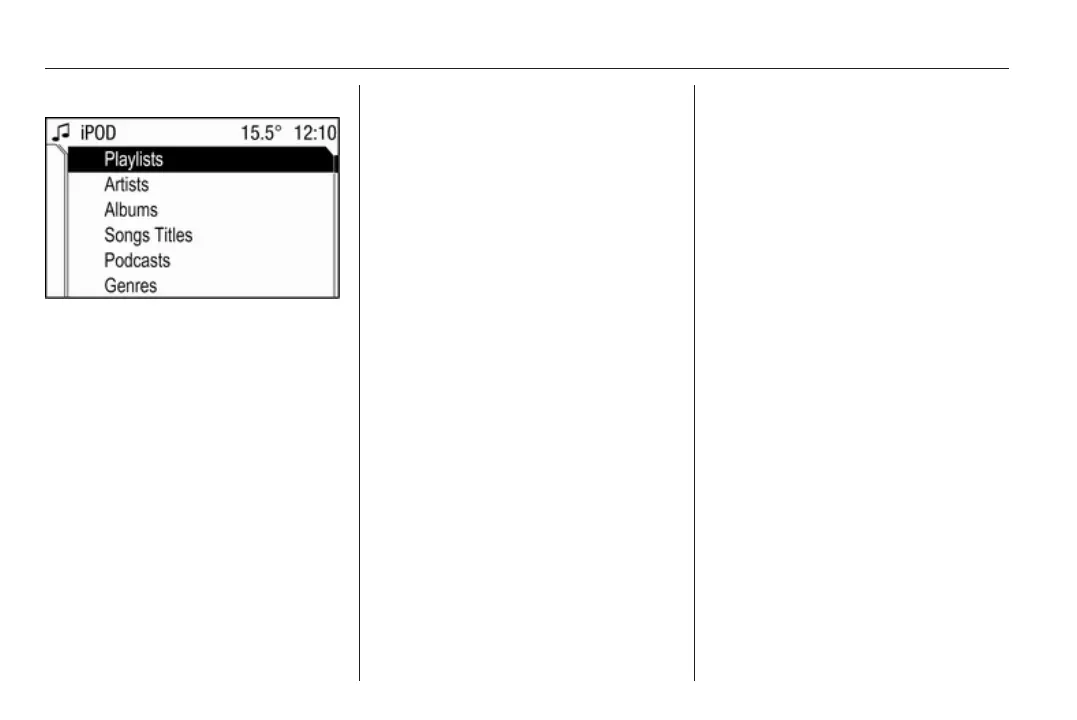
Depending on the model/version of
the connected iPod and the data
stored, there are various options for
the selection and playing of tracks.
In the iPod menu select Album to
display a menu with the available
options for music browsing.
Select the desired option for music
browsing.
Depending on the selected option a
further menu for music browsing or
the iPod menu is displayed.
The operating steps for track
selection using the iPod menu items
or the rocker switch buttons m and
n are the same as described for an
audio MP3 CD 3 119.
Notice
The rocker switch buttons c and d
have no function if an iPod is
connected.









 To Next Page