166 Introduction
Selection of the functional ranges in
the headline and additional
operations are described below:
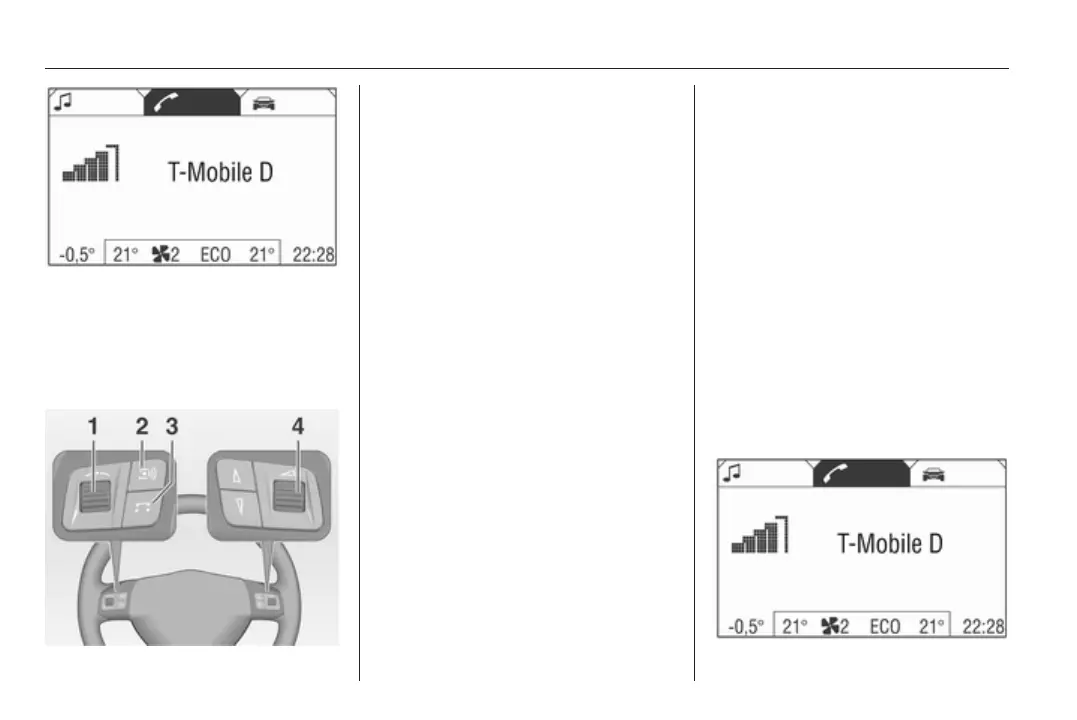
Steering wheel remote control
system
1 Thumbwheel
Turn: select menu items and
commands
Press: confirm a selection (OK)
2 q button
Press: Selecting/switching off
speech recognition system
3 174
3 p button
Press: Accept or end a telephone
call or access the call list directly
4 o Turn: adjust volume
Operating the Infotainment system
with the multifunction knob
See "Control elements on instrument
panel" in the relevant Infotainment
system manual.
The Mobile phone portal can be
operated optionally via the speech
recognition system 3 174.
Bluetooth connection
The Bluetooth™ function on the
mobile telephone must be activated,
see operating instructions for the
mobile phone.
Bluetooth™ is a radio standard for
wireless connection of e.g. a mobile
telephone to other equipment.
Information such as the phone book,
call list, network operator and field
intensity can be transmitted.
Depending on type of equipment, the
functions may be restricted.
Creating a connection
In the main menu select the
telephone symbol from the headline.









 To Next Page