30 CD Player
Show title
Activate this function if the
Infotainment system is to display the
name of a track instead of the elapsed
track time.
Selecting MP3 albums or
playlists
If your MP3 CD is made up of
a number of albums (directories) or
playlists in “m3u” or “pls” format, you
can select these as follows:
Tap the rocker switch c or d
repeatedly until the album or playlist
appears in the display.
or using the CD menu:
Select the Album menu item.
The list of albums or playlists
available on the CD is displayed.
The first track on the album or in the
playlist will be played.
Select the album or playlist.
Directories without MP3 files are
automatically skipped.
Removing a CD
Press the a button.
The CD is pushed out of the CD slot.
If the CD is not removed after
ejection, it will be pulled back in again
automatically after a few seconds.
CD/MP3 changer
General information 3 27.
Inserting a CD
Press the a button.
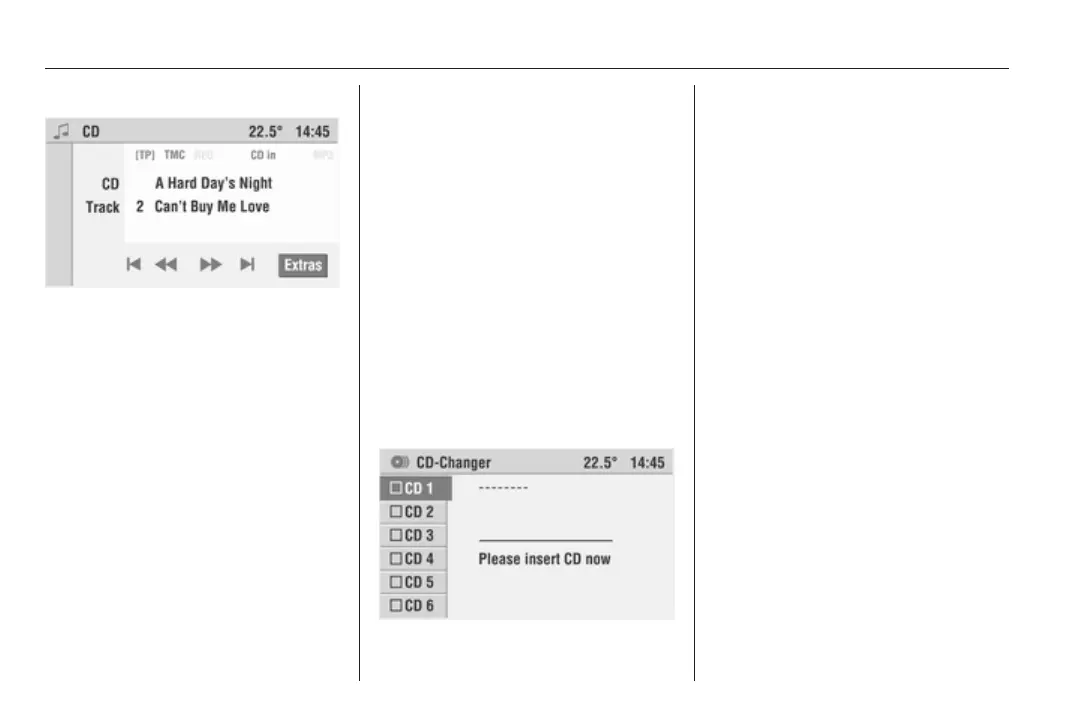
The CD-Changer menu appears in
the display.
Radio mode is always running in the
CD-Changer menu in order to bridge
the CD change.
Select an empty CD tray. Please
insert CD now appears in the display.
Push the CD into the CD slot.
The CD is pulled in automatically.
Do not obstruct or assist the CD on its
way in.
The control box of the marked CD tray
is activated.
In the CD menu, CD in will appear in
the display. If the CD contains MP3
music files, you will also see MP3 in
the display.









 To Next Page