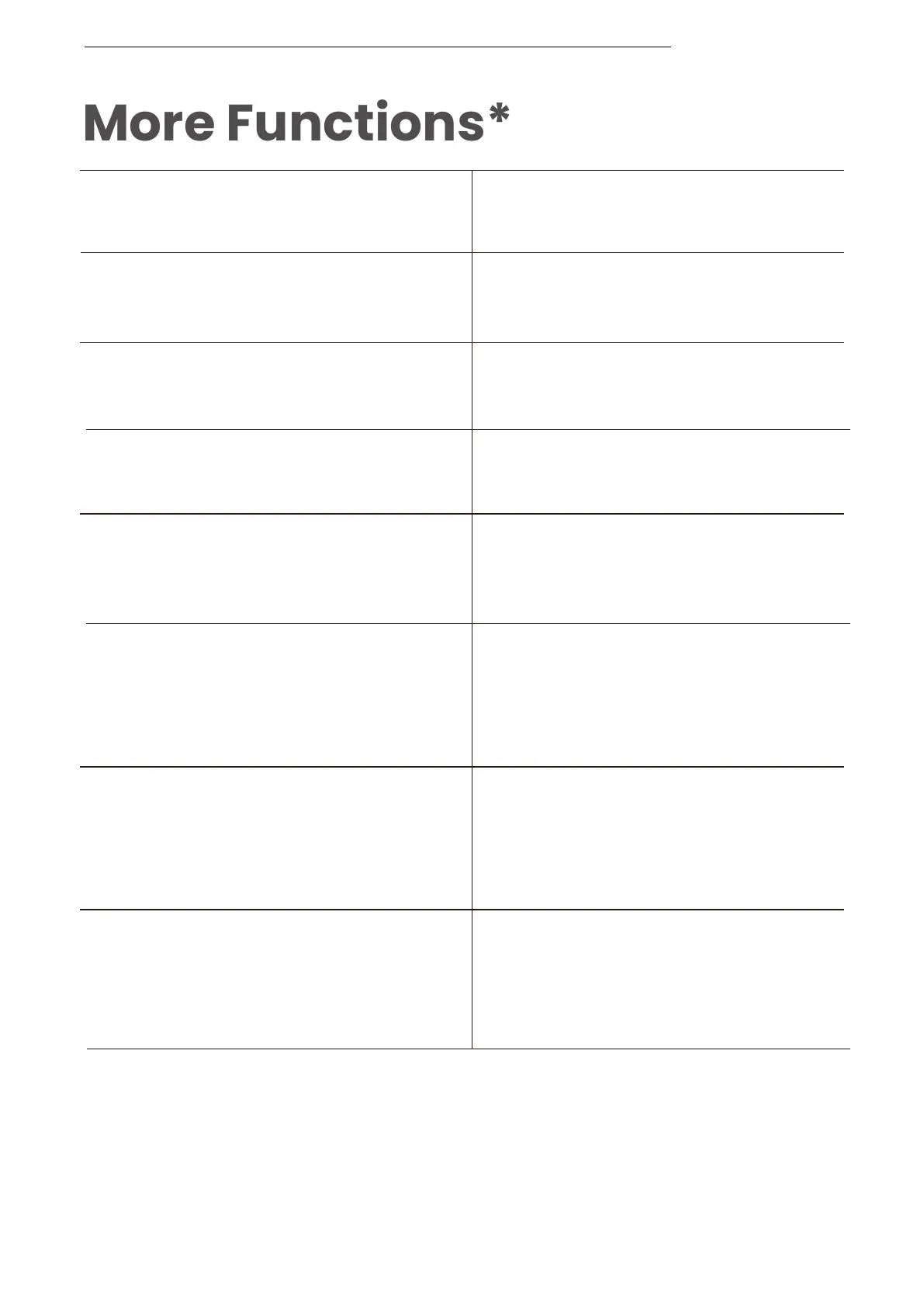
Answer call
End call
Reject a call
Mute a call
Unmute a call
Change the language
Answer a second call and
end the current call
*Only applicable for phone calls, not online calls
*You can also redefine some of the buttons on the Shokz App.
Prompt device's voice assistant
Press and hold the multifunction
button for 2 seconds
Click the multifunction button
once
Click the multifunction button
once
Double-click on the multifunction
button while in pairing status
(red and blue lights flash
alternately)
Press and hold the Volume +
button and the Volume - button
simultaneously for 2 seconds
during a call
Press and hold the multifunction
button for 2 seconds
Press and hold the Volume +
button and the Volume - button
simultaneously for 2 seconds
during a call
Press and hold the multifunction
button for 2 seconds when the
second call comes in


 To Next Page
 Loading...