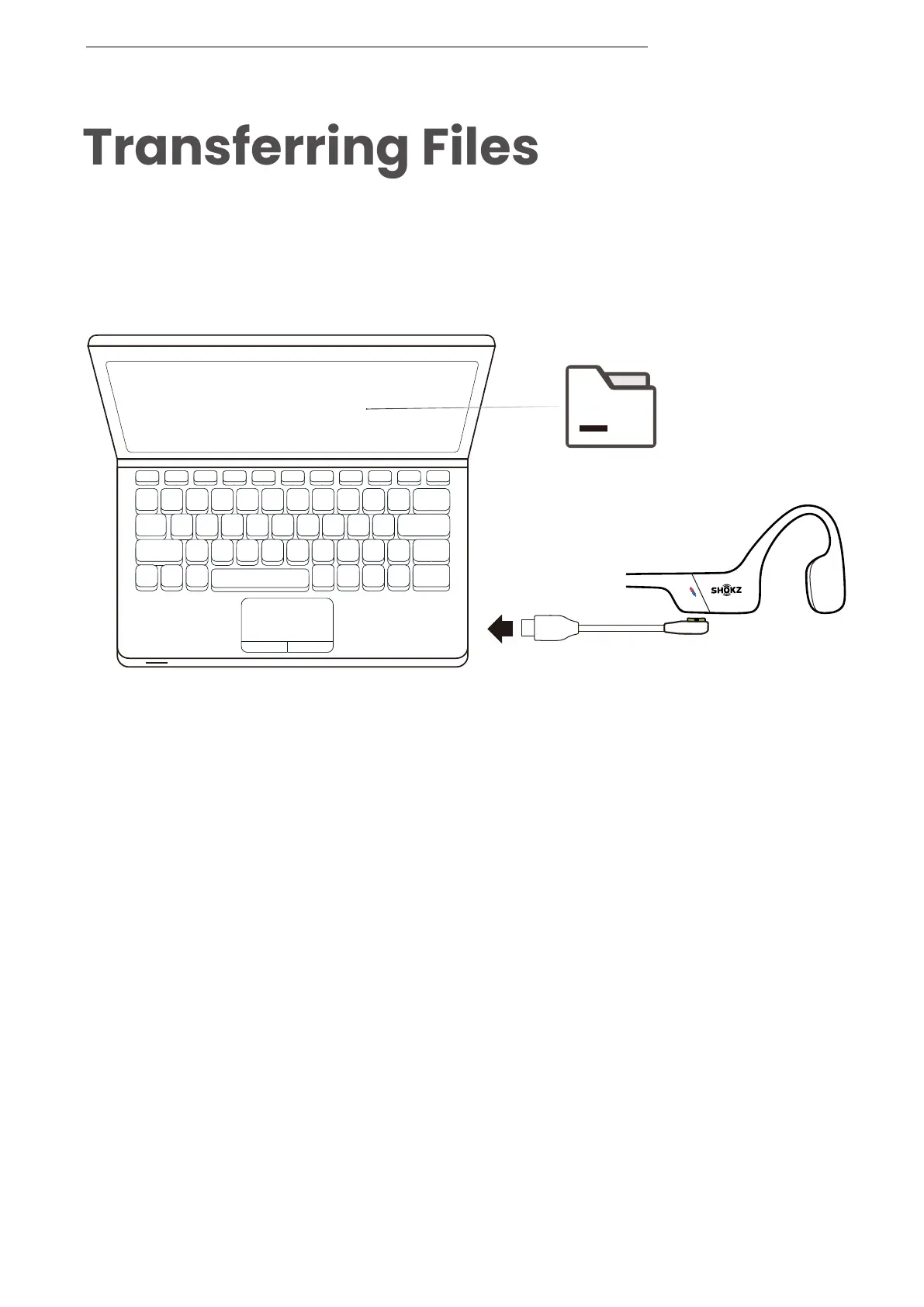
1. Connect OpenSwim Pro to your computer via the magnetic
cable provided in the package.
2. A driver disk named "SWIM PRO" will appear on your
computer. Open the "SWIM PRO" disk on your computer.
3. Import audio files (songs, audio books or folders) to the
"SWIM PRO" disk.
4. Once the file transfer is complete, remove the "SWIM PRO"
disk from your computer.
SWIM PRO
File
*Please do not force an interruption during the file transfer,
as this may cause damage to the product.



 To Next Page