OpenSwim Pro by Shokz
Connected
Bluetooth:turn on
Settings 2
*Pairing is completed when the second device shows
that pairing is successful.
6. Re-enter pairing mode by pressing and holding Volume +
until Audrey says “pairing”and the LED indicator flashes red
and blue alternately.
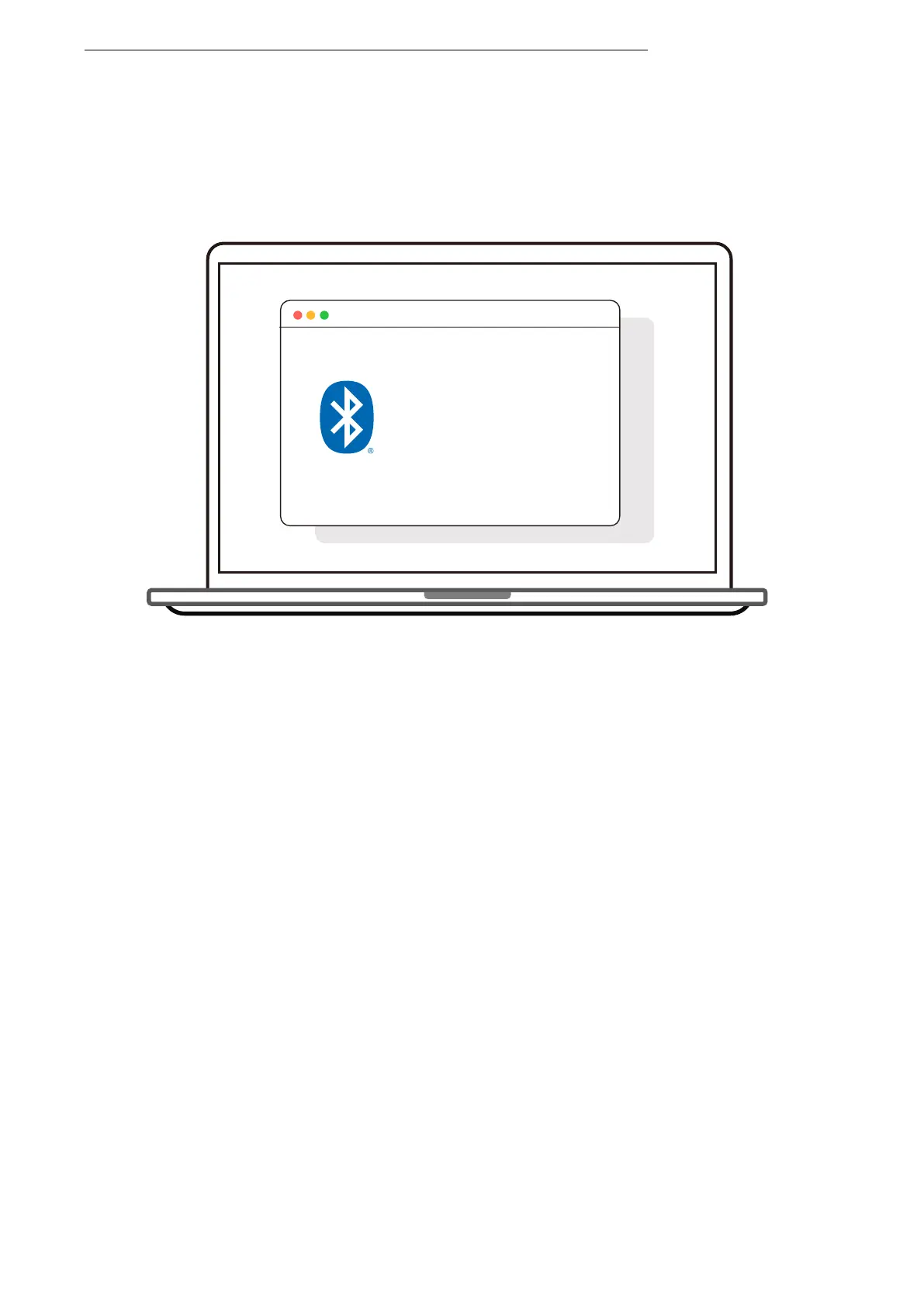
7. Open second device's Bluetooth® menu and select
"OpenSwim Pro by Shokz."
8.Turn your headphones off.



 To Next Page