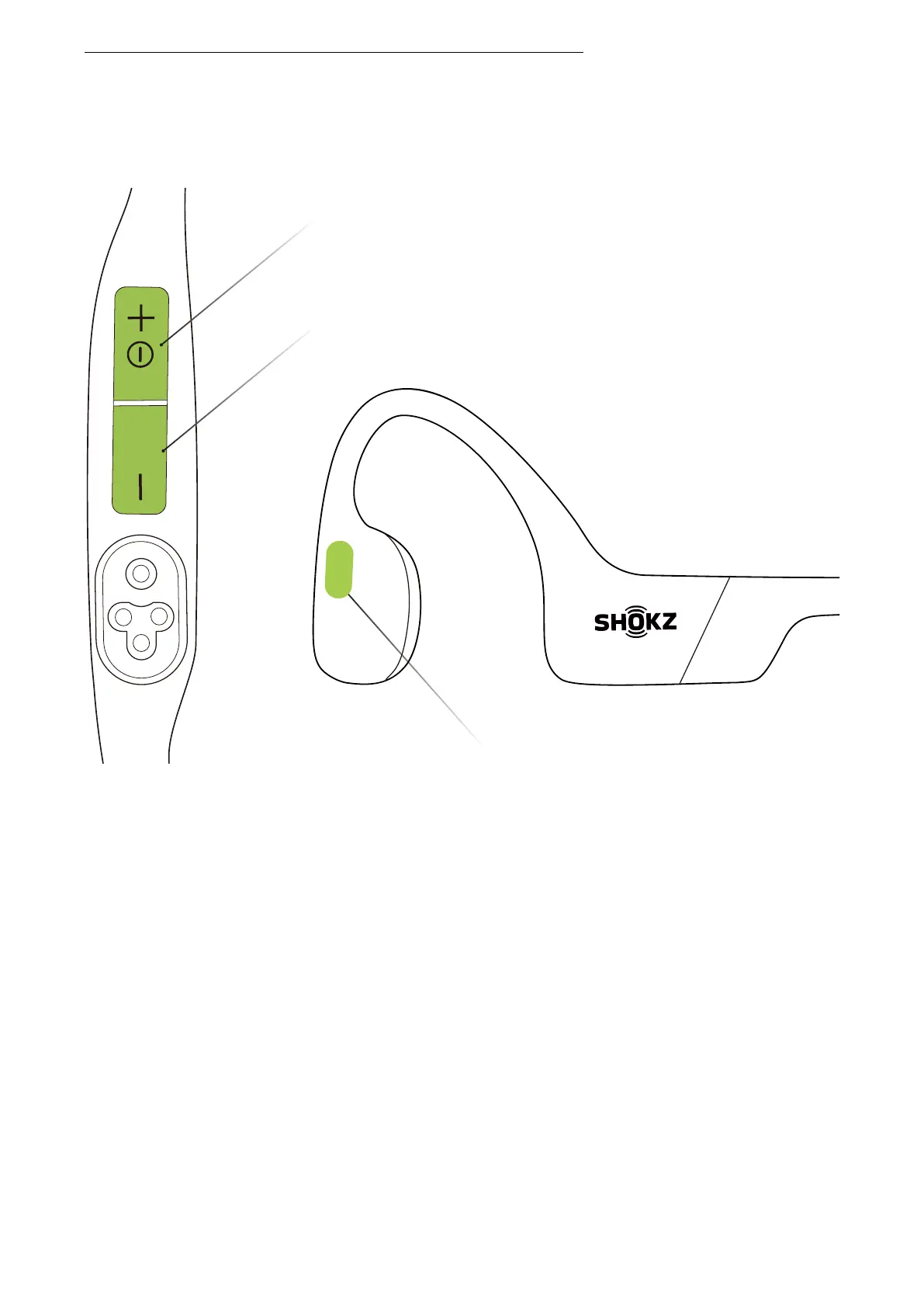
Multifunction Button
Power/Volume + Button
Volume - Button
3. Press and hold the multifunction button, the Volume -
button, and the Volume + button together until you hear a
beep.
4. Turn your headphones off. OpenSwim Pro has been reset
and needs to be paired again.
*When factory settings are restored, the imported
audio files in MP3 will not be deleted.



 To Next Page