Omation Model 306 Setup Manual Inital Machine Setup
03/09/2018 Condential OPEX Setup Manual - Corp. Use Only - Not for Distribution
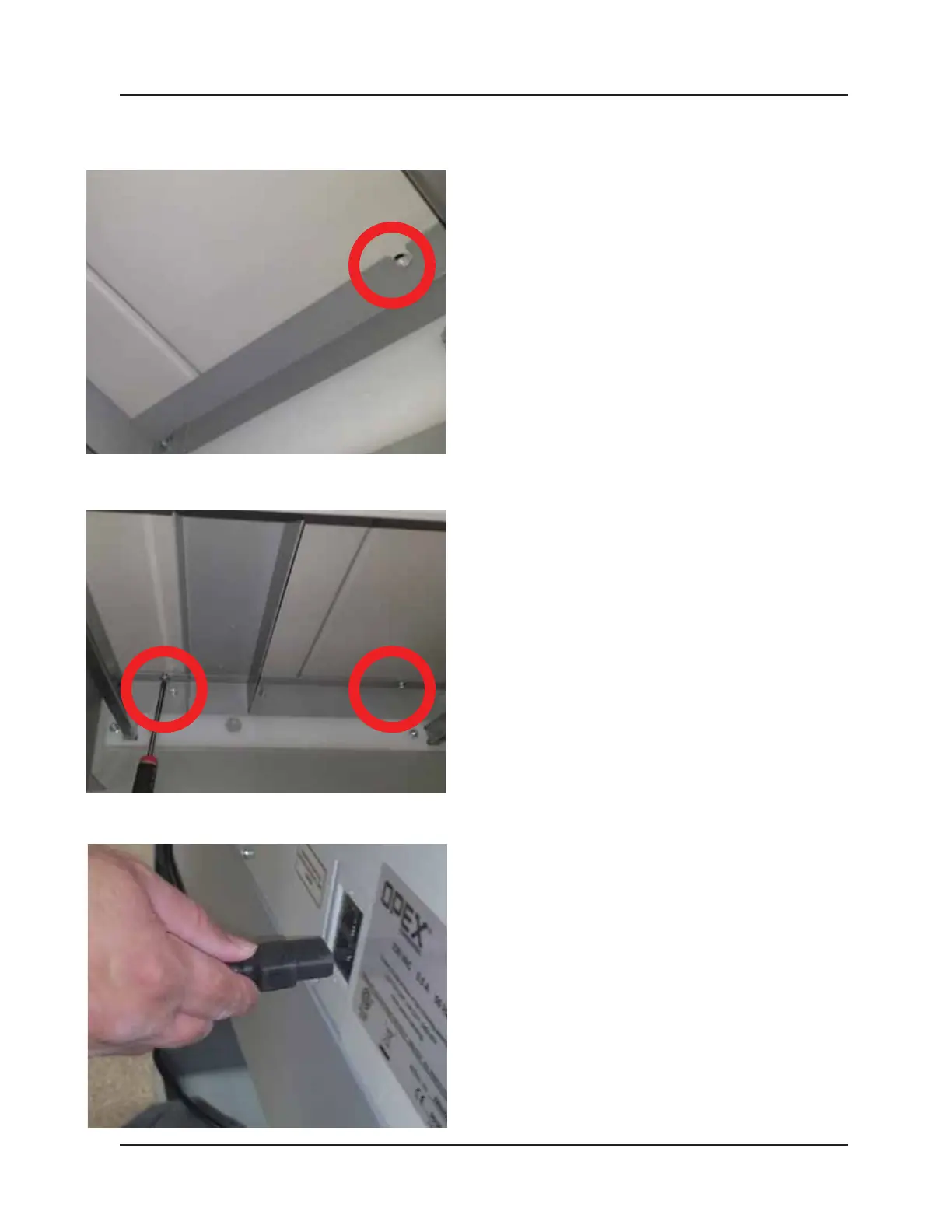
Lay some type pad* across the hard edge of the rear of
the base. This will protect your body from the edge as
you align the holes for the screws and drive them in.
Screw at least 4 Phillips* screws into the top piece from
below. Be sure to screw them in until they are snug.
Plug in the main power cord into the rear of the
machine and power on to congure.



 To Previous Page