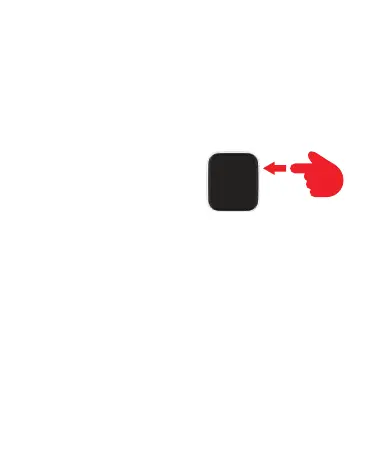
1. Power on/off: long press to power on/off the device; short press to
turn on/off the screen.
2. Sensor (on the back)
3. Charging slot (on the back)
Actions:
Swipe left/right
and up/down to swipe through the
different ones menu items
5. Quick menu
Swipe downward to view the different icons to click for quick access to
the chosen section.
6. Main Menu and Functions
These functions cannot replace medical instruments. This product is
not a medical device. It must not be used for any diagnosis or other
medical applications.



 To Next Page