OPTIMA SCALE MANUFACTURING INC.
sales@optimascales.com www.optimascales.com
1005 Union Center Dr. Ste b
Alpharetta, GA 30004
OP-902 Parameter Settings
● Press HOLD and UNIT together to enter the
parameter settings
● Use the following diagram to navigate through
the parameter settings:
Function Display Parameter Settings
Communication
Setting
trn 1
Set the serial interface data output method:
0 = Turn off serial interface data output
1 = Continuous sending mode, connect computer
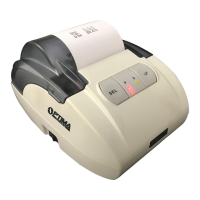
2 = Print mode, connect printer (OP-412T)
3 = Command request mode, connect computer
Baud Rate
bAud 1
1 = 9600bit/s (OP-412T)
2 = 4800bit/s
3 = 2400bit/s
4 = 1200bit/s
5 = 600bit/s
Key Function
ON/OFF Exit
HOLD Conrm
ZERO Move Left
UNITS Move Down


 To Previous Page
 Loading...