Installation
1 Format your SD card and insert it into SD card slot.
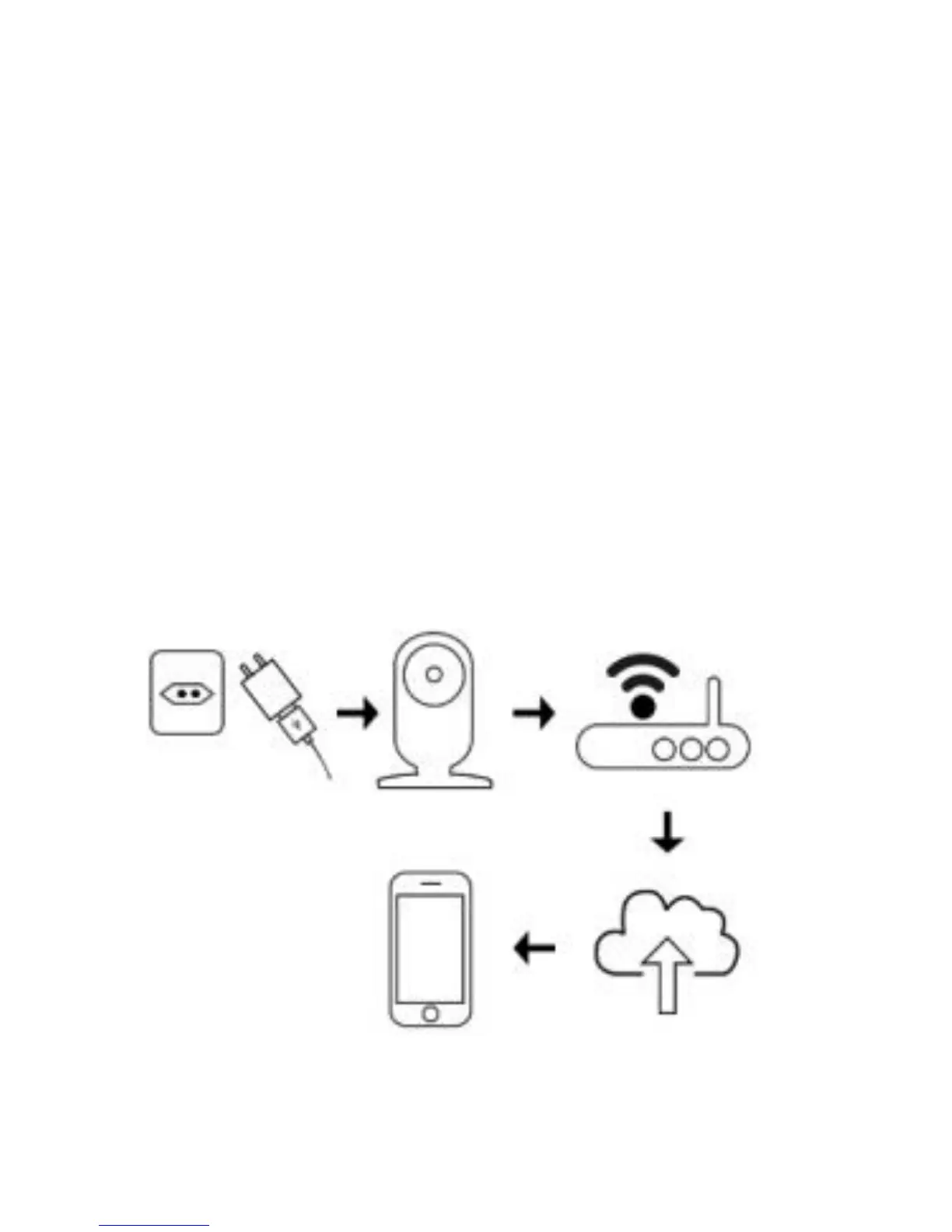
2 Power Connection: Plug your camera in to keep it
powered at all times for continuous video streaming
and recording. Use the included USB cable and
power adapter to plug it into a power outlet
100~240V.
3 Use your smartphone/tablet to log in your OPTJOY
account and bind your camera.
4 Open OPTJOY.



 To Next Page