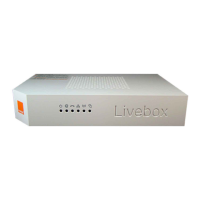
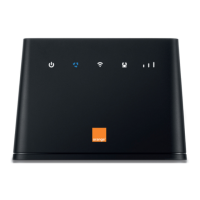
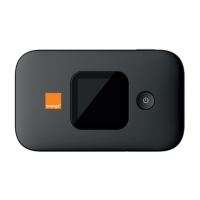
contents
2
Welcome
Introduction
2. Hardware and browser requirements
3. Check and install the hardware
step 1 : Contents of the box.
step 2 : Install Wi-Fi & 3G antennas, insert SIM into SIM slot.
step 3 : Plug your Surf & Pay to the main socket to recharge the embedded battery.
step 4 : Connect PC and switch on Surf & Pay.
step 5 : Discover your Surf & Pay : check LED status.
step 6 : Surf & Pay main functions. Broadband internet access.
step 7 : Where should you locate your Surf & Pay ?
4. Software set-up
step 1 : Launch your web browser.
step 2 : Login in and basic settings.
step 3 : Check 3G status.
step 4 : Clock settings.
step 5 : Wi-Fi connection.
contents



 To Next Page