contents
44
Step 2 : End user pause (1/2).
When customer wants to leave for a while and stop being
charged, he could click “Pause” icon in popup window. Then
he couldn’t access Internet any more and coursly will not be
charged. Hotspot authentication page will appear if he tried
to browse.
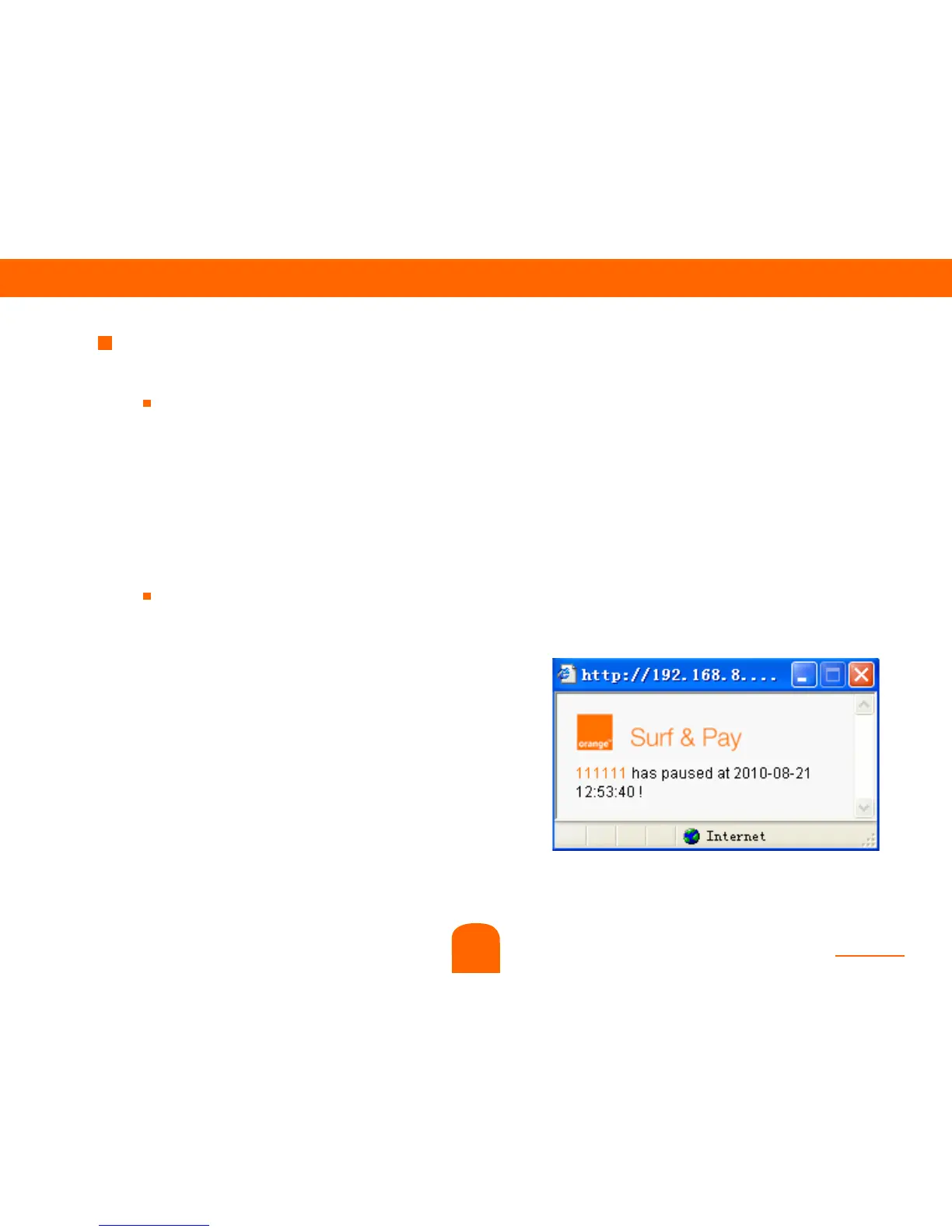
At the same time customer pause, reseller could see
below change :
1) A popup window will show at the
right bottom corner of reseller’s
screen :
7



 To Next Page