14
EN
2 After entering all the data and registering the desired user, leave the application
switched on and switch on the balance by lightly pressing on some part of the
foot area and waiting for a while until „0.0 kg“ appears on the display.
If the error message „Err“ appears instead of „0.0 kg“, wait until the balance
switches off and on again.
The LED screen lights up
3 While the balance is switched on, search for and add it to the application as
a weighing device. The procedure differs depending on the application. After
adding this scale, the scale and interface for measuring the active user will
appear on the smartphone display.
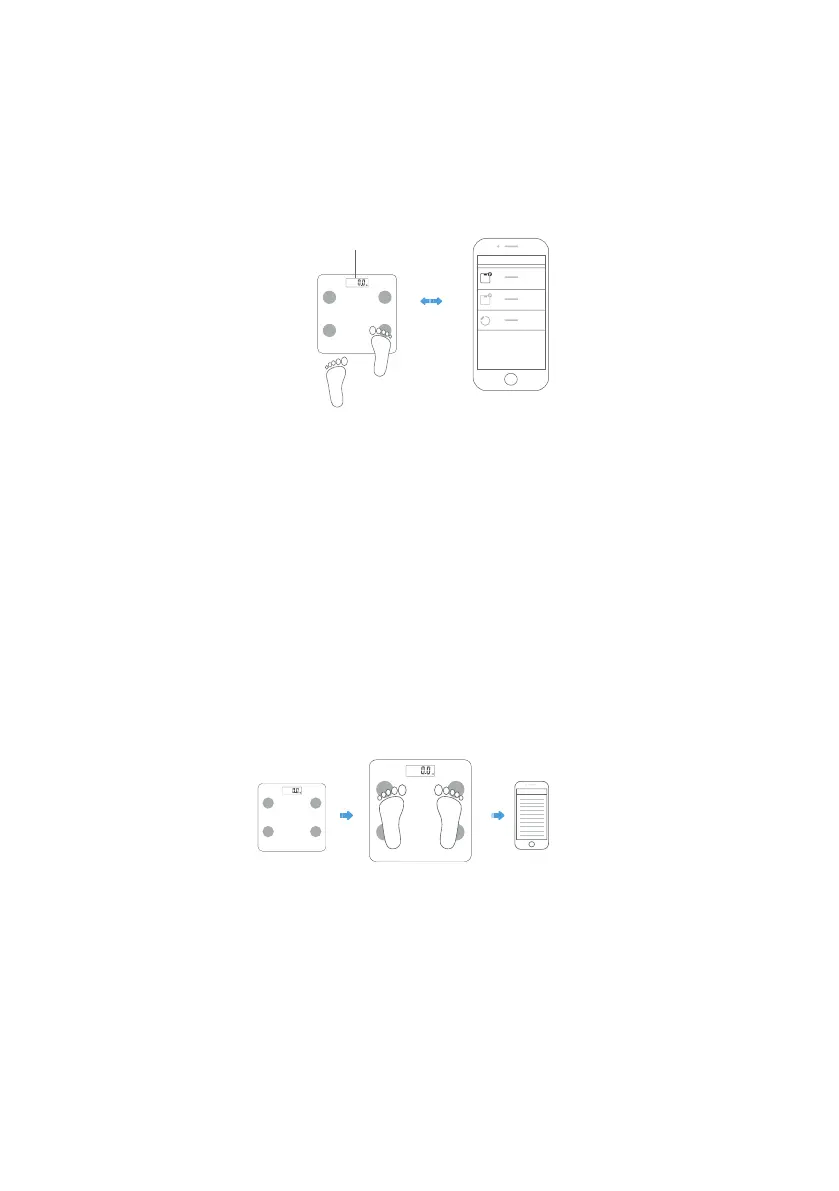
4 Stand on the scale with feeling.
Stand on it with your bare feet and make sure that you stand on the ITO
electrodes in peace and with an evenly distributed weight on both feet.
Important:
The feet, legs, calves and thighs must not touch each other. If they touch, it is
not possible to perform the correct measurement.
Important:
If you measure in socks, the result will not be correct.


 To Next Page
 Loading...