English
- 40 -
ORUS RF Programmable Thermostat User Manual
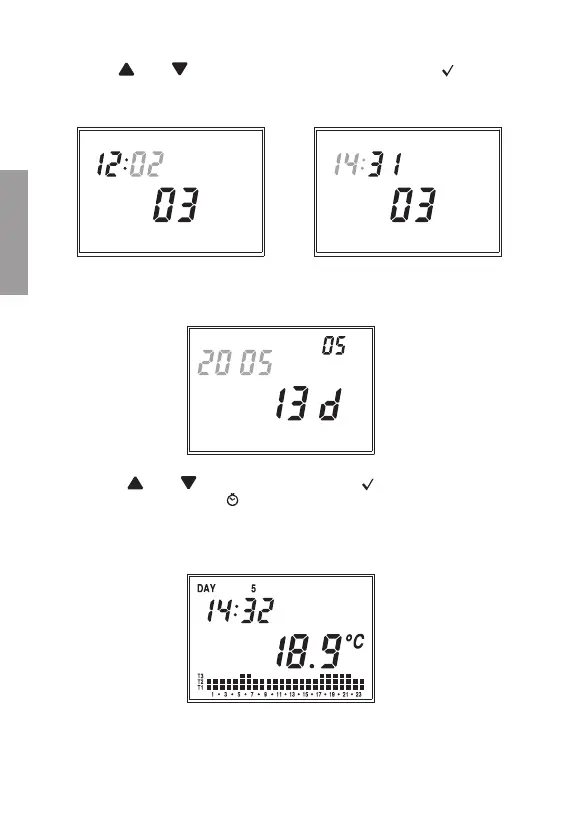
At this point, the minutes digit will start flashing.
Use the “
” and “ ” keys to increase or decrease the field and press “ ” to
confirm.
Repeat the procedure to set the hours.
Once the value for the hours is set, field (22) will display a flashing value of the year,
field (15) the value of the month and field (16) the value of the day.
Press the “
” and “ ” keys to modify the values and “ ” to confirm.
Once the day is set, press the “
" key to exit the menu.
Upon exiting such procedure the clock indication will not flash any more; field (16) will
display the environment temperature again.


 To Next Page