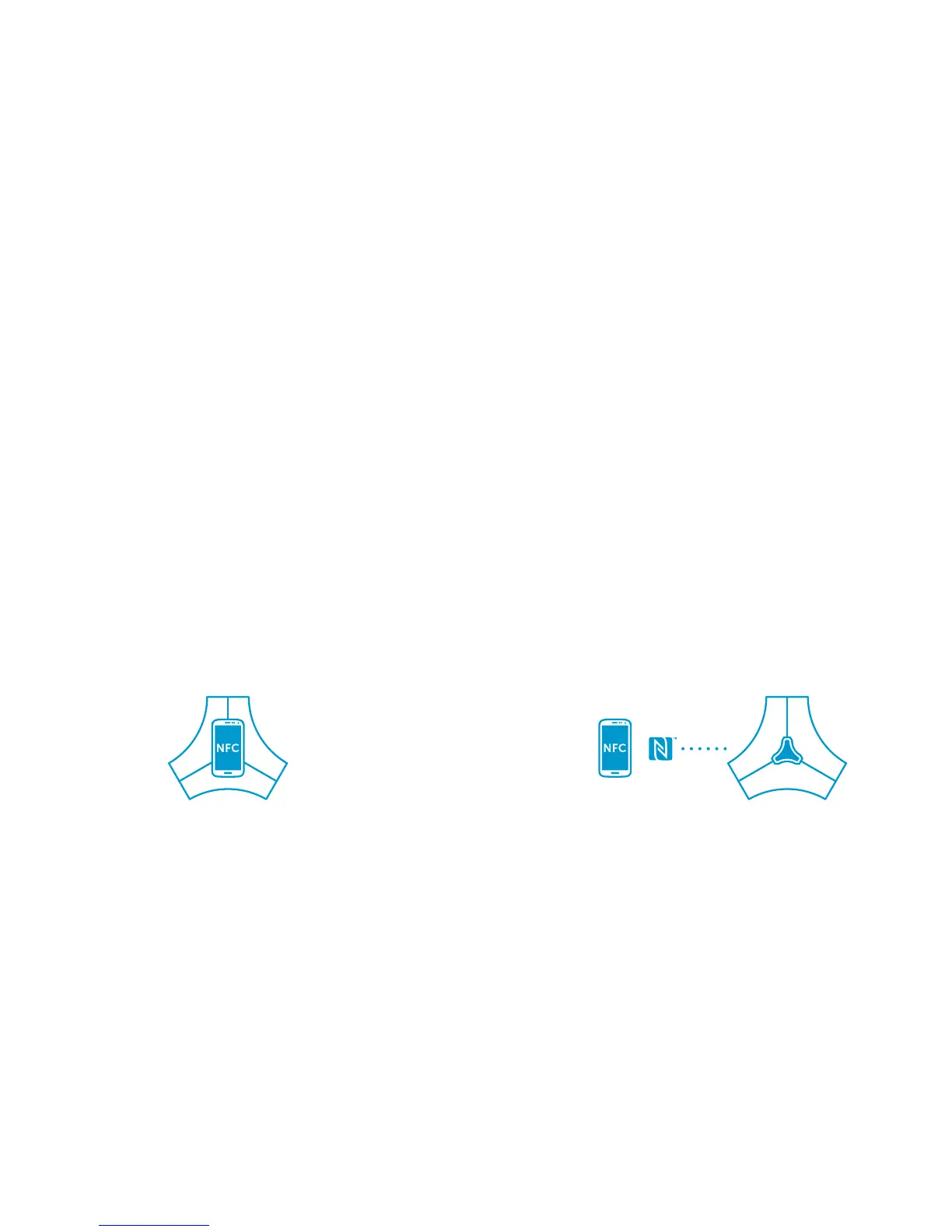
Connect your Spaced360 using NFC
Pair a new device to Spaced360
1. Check NFC is turned on in the settings of your
phone or tablet.
2. Touch your phone on the Spaced360 Centre Key.
3.
Your phone and Spaced360 will now pair and connect.
Not working? Make sure your phone screen isn't locked
– your Spaced360 only plays with up-for-it devices.
So now this device is paired, you can play music
whenever you like. Here’s the ritual:
1. Unlock your phone.
2. Touch your phone on the Spaced360 Centre Key.
3. Your device will connect in a flash to Spaced360.
No? Have a quick check that NFC is turned on in
your phone settings.
4. A solid Bluetooth icon on your Spaced360
= your phone is connected and ready for play time.



 To Next Page