Setting up your ORCA Mark I
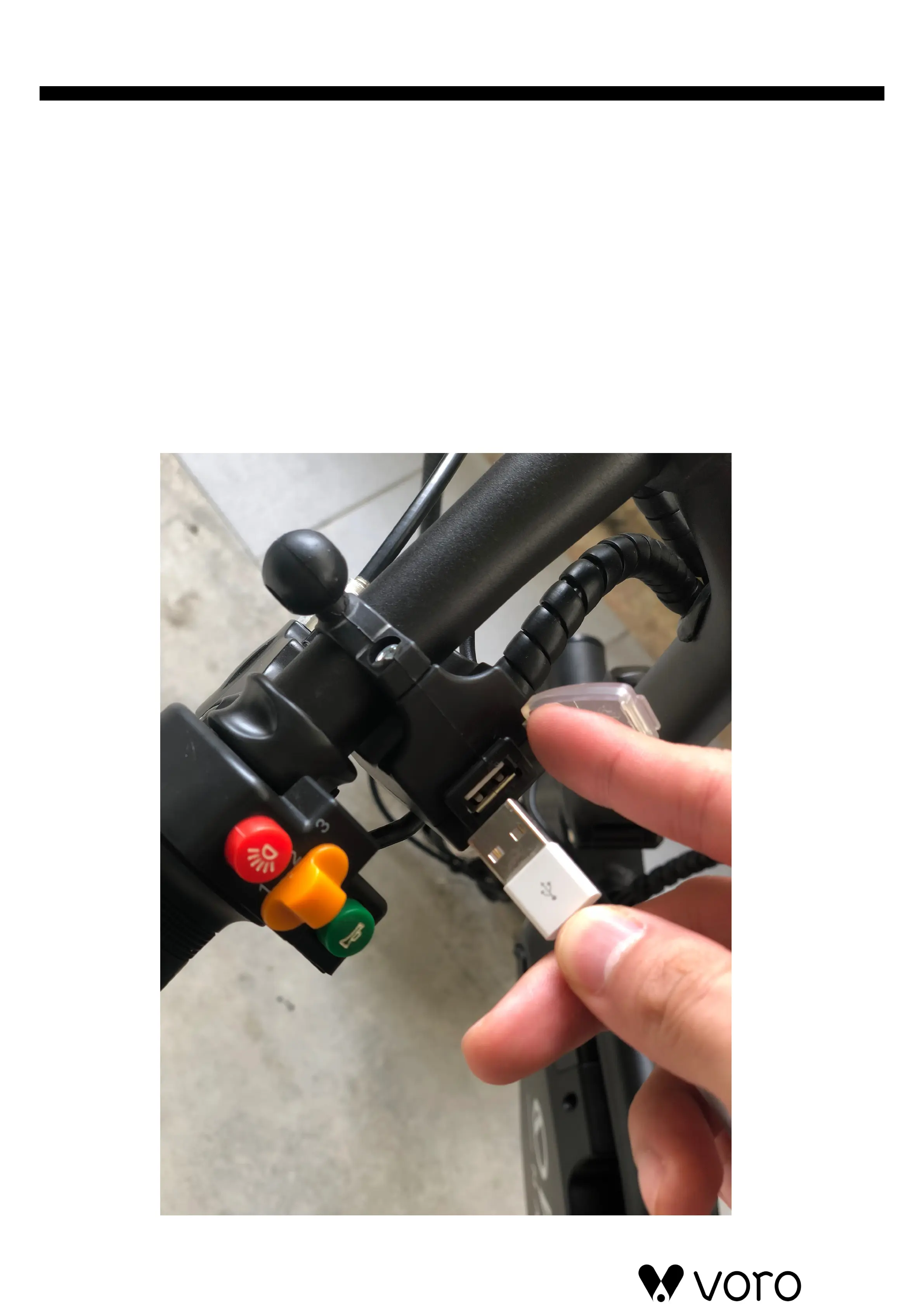
5. USB Port
If you happen to use a phone holder on your ORCA and like to
charge your phone at the same time, use the built-in USB charging
port to power up your phone. Or, power up a speaker to let the
neighbours know you have arrived.
| 9



 To Next Page