11
ENGLISH
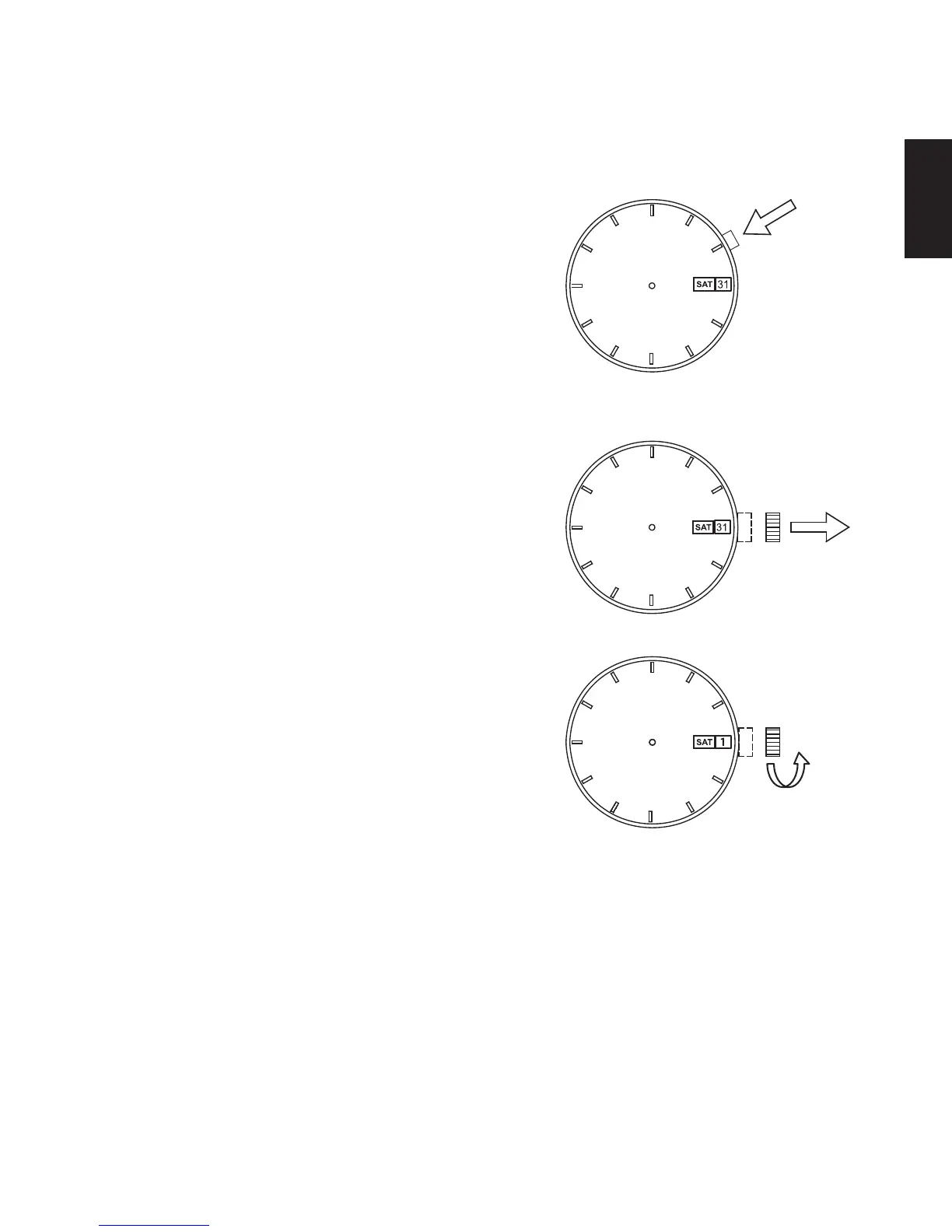
HOW TO SET THE TIME & CALENDAR [EM(469), NP(558)]
(1) Press the click button and set the
previous day of the week.
The day of the week can be
displayed in two languages. Press
the click button to select your desired
languages.
The languages available differ
depending on the model.
(2) Pull the crown out to the first click.
The crown on this watch can be pulled
out to the first and second clicks.
(3) Turn the crown counterclockwise to set
the date indicator to the previous date.
About date correction at month’s end:
Date correction is necessary for months
with 30 days or less. In this case, set the
date to the [1st day] on the first day of the
next month.
Turn
counterclockwise



 To Next Page