15
ENGLISH
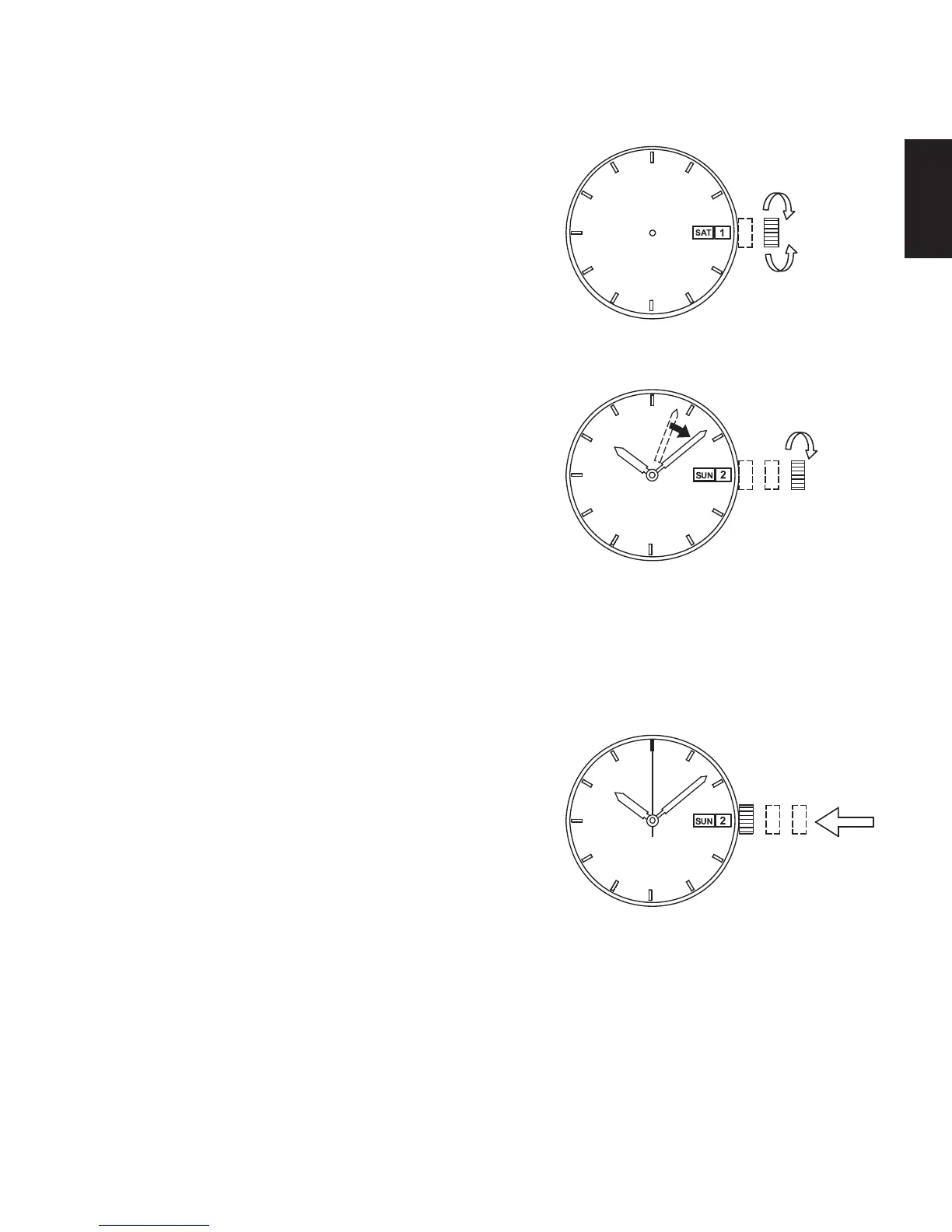
Turn the crown counterclockwise to set
the date indicator to the previous date.
About date correction at month’s end:
Date correction is necessary for months
with 30 days or less. In this case, set the
date to the [1st day] on the first day of the
next month.
(3) Pull the crown out to the second click.
(4) Turn the crown to set the time.
Turn the crown in the direction to
advance the hand (clockwise) until
today’s date is displayed.
It is the “a.m.” when the date changes.
Set the hands further forward to adjust
to the current time.
Since the calendar changes at midnight,
take care not to confuse a.m. and p.m.
when setting the time.
(5) Press the crown in to the normal
position.
Turn clockwise
Turn clockwise
(Day setting)
Turn
counterclockwise
(Date setting)



 To Next Page