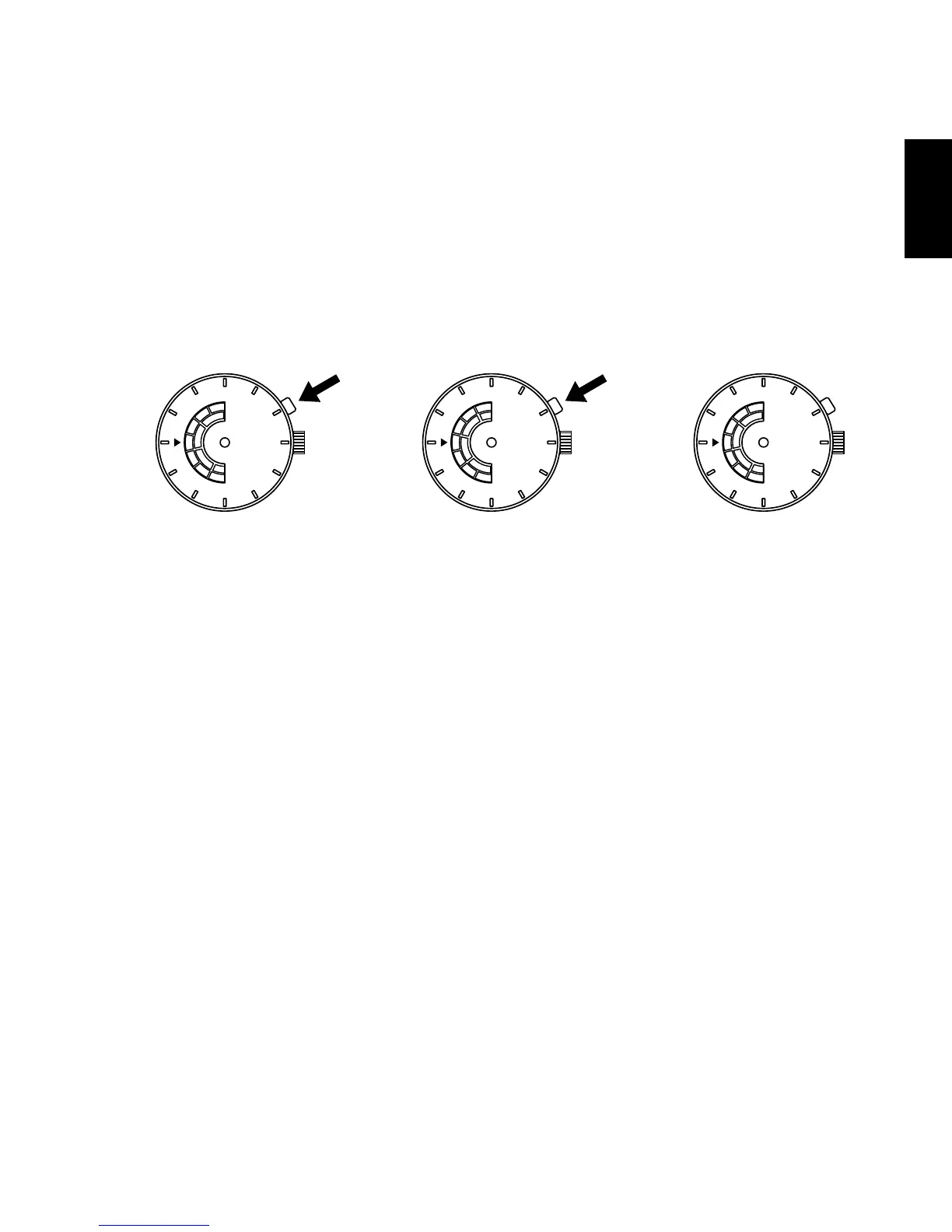
HOW TO SET THE DAY OF THE WEEK & AM/PM [FN(46V)]
Press the click button at the two o’clock position to set AM/PM and the day
of the week.
When setting the time, be sure that AM/PM is set correctly.
Example: Changing the display from SUN AM to MON AM
(1) Press the click button to change the display from SUN AM to SUN PM.
(2) Press the click button again to change SUN PM to MON AM.
* For types of watches with a click button that cannot be pressed with your
finger (i.e. the “hidden button” type)
The day of the week can be set by pressing the click button using a sharp,
pointed object such as a precision screwdriver, a pair of tweezers or a metal
pin.
The layout of the days of the week and the location of the window vary from
model to model.



 To Next Page