- 8 -
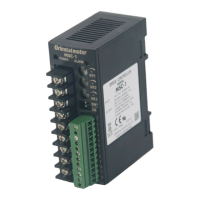
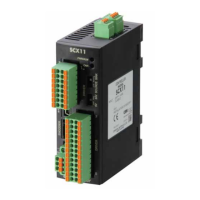
4.3 Setting Parameters of the SCX11
Start up the installed Immediate Motion Creator for CM/SCX Series (IMC).
1. Turn on the power for the SCX11 and driver.
2. Connect the SCX11 mounted using a USB 2.0 cable (mini-B type).
3. Click in the following order: Click start button in Windows - "Programs" - "ORIENTAL MOTOR" - "IMC for CM
SCX" - "Immediate Motion Creator for CM SCX Series" (COM port select window is displayed)
4. Select the COM port that is connected to the SCX11, and then click [OK].
(Selecting the baud rate is not required at this point. The factory setting, 9600 bps is used to launch.)
Memo
If the wrong COM port or baud rate has been set, the IMC will launch with offline mode. In this case,
select [Set Up] - [Serial Port Set Up] on the menu of the IMC. The Serial Port Settings window will
be appeared again.
Set the parameter when the IMC has been launched.
The setting is completed. The parameters have been written to the SCX11.
Memo
• The rotation direction of the DG Series and DGII Series hollow rotary actuators are opposite to
the CW/CCW input signal of the drivers. If the "Direction Invert" is set to "CCW" on this screen,
actual rotation direction becomes CW when a command is positive direction (plus, +). The
commanded direction of other actuators and the actual direction in the user application can also
be matched by using this function.
• The setting can also be made using commands. See "7.3 Setting the User Unit " in the SCX11
operating manual (supplied CD-ROM).
• Right click on the IMC screen and select [Help] will launch the IMC Help with the description of
function that the mouse cursor is on.
Select the [System Config] tab.
Enter the desired unit.
(Ex1:"Rev")
(Ex2, 3:"mm")
Enter the distance per a motor revolution.
(Ex1: 1)
(Ex2, 3: 10)
Enter the motor resolution.
(Ex1, 2: 1000)
(Ex3: 100)
Click [SAVE and RESET]
to enable the parameters.
Select the [System Parameter] tab.
2
3
4
5
6
1


 To Next Page
 Loading...