2
UM0972191 A 02
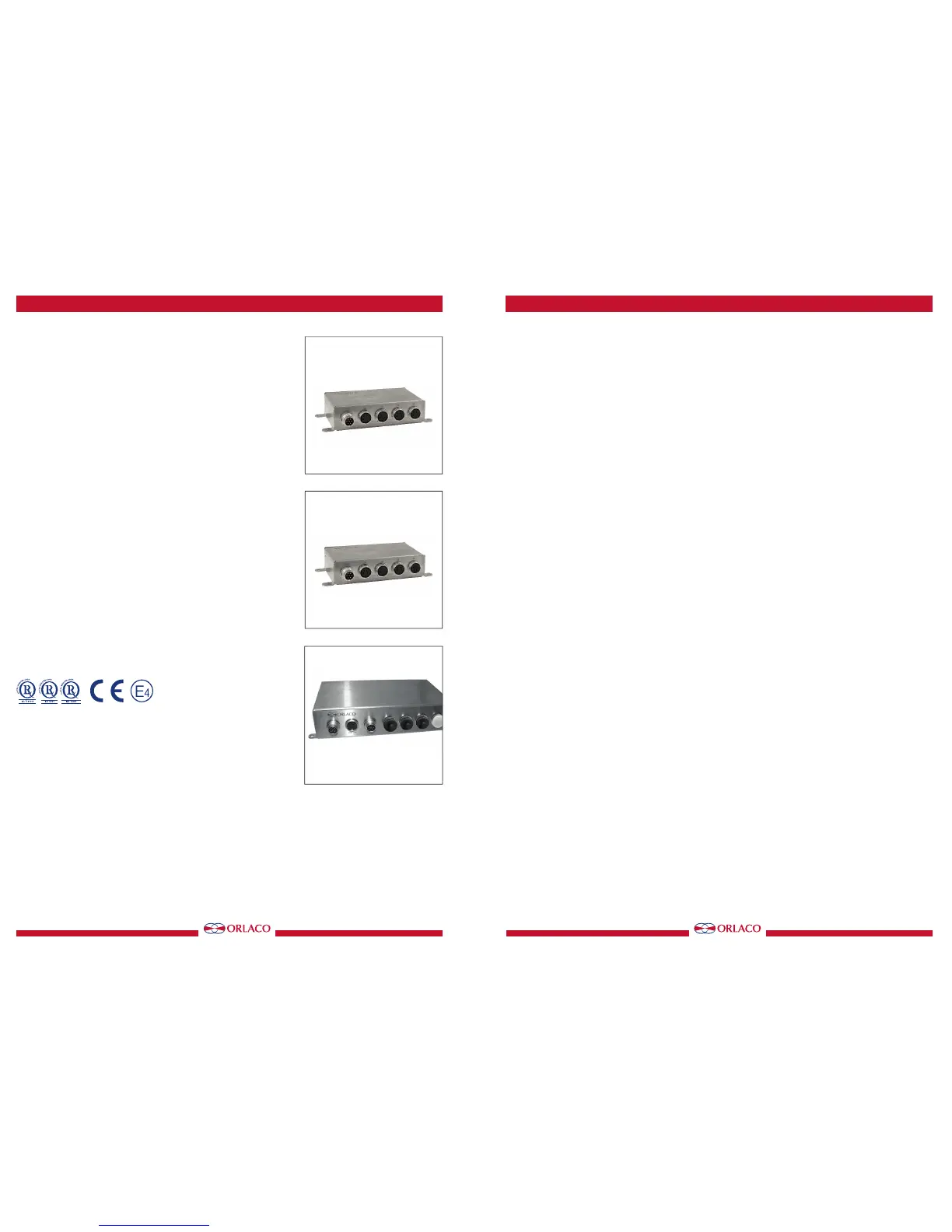
Multiview box II
Art no. 0405100
Multiview box II Serial
Art no. 0405110
Quad box II 4cam in 1 mon out
Art no. 0405300
Quad box II 1+3cam in 1 mon out
Art no. 0405310
Manual no. UM0972191 A 02
Introduction
Check with Orlaco which language versions are available. This manual
contains user instructions. Used photographs and illustrations give general
information and may differ from the products you use.
Contact your Orlaco dealer if you have questions, additional information, or
want to make changes that are not described in this manual.
All data subject to change without notice. All dimensions are for commercial
purpose only. The camera/display systems from Orlaco comply with the
latest CE, ADR, EMC and mirror-directive regulations, where applicable.
All products are manufactured in accordance with the ISO 9001 quality
management system, ISO/TS 16949 quality automotive, ISO 14001
environmental management systems, where applicable.
Contents page
1. Introducing 3
2. Quad Servive Menu 3
3. Channel mode 3
4. Camera settings 4
5. Startup mode 5
6. Camera tags 5
7. Advanced settings 6
8. Info 8
9. Channel mode overview 9
10. Version details 10
For speci cations see Data sheets
DS0963010-0405100 Multiview box II
DS0963020-0405110 Multiview box II Serial
DS0963080-0405300 Quad box II 4cam in 1 mon out
DS0963081-0405310 Quad box II 1+3cam in 1 mon out
User manual
Art no. 0405100
Art no. 0405110
Art no. 0405300/0405310
1111
UM0972191 A 02
User manual


 To Next Page
 Loading...