EasyManua.ls Logo

OSIM uThrone OS-8201 - User Manual

Default Icon
55 pages
Print Icon
To Next Page IconTo Next Page
Loading...
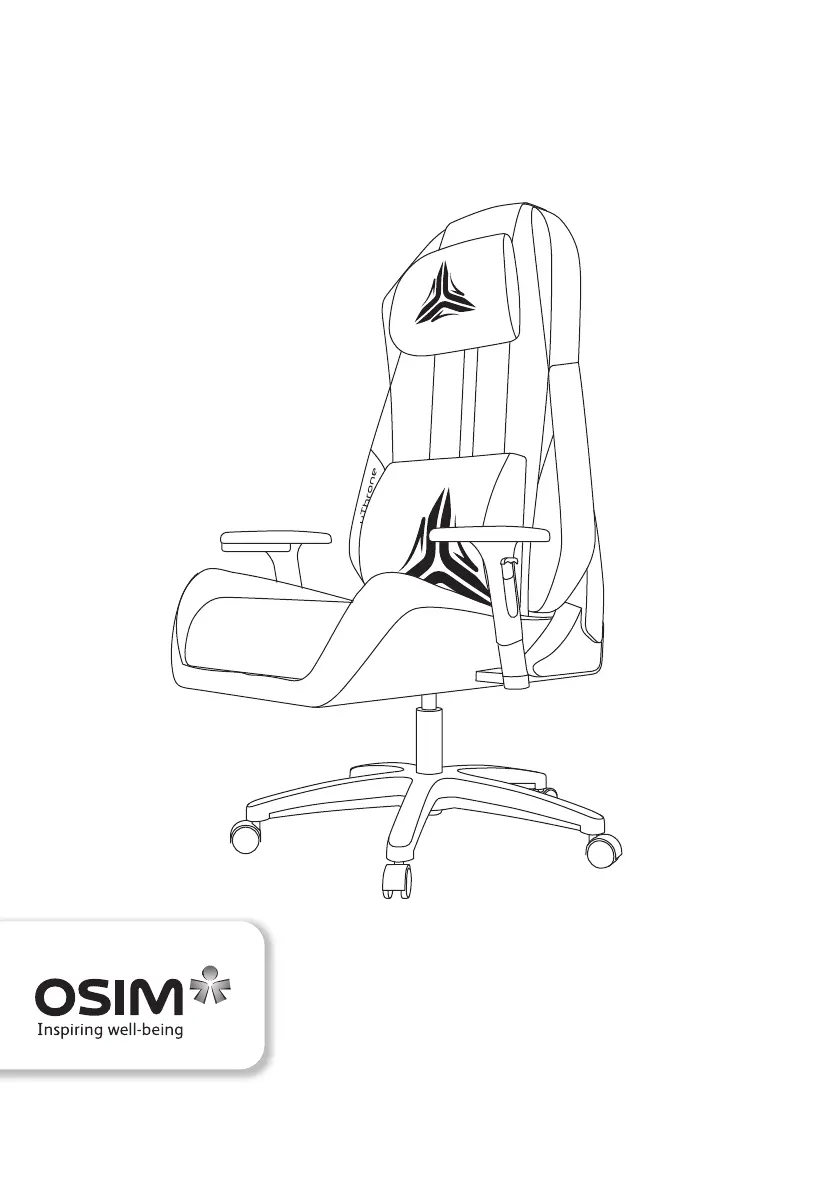
uThrone
OS-8201 Operation Manual

Other manuals for OSIM uThrone OS-8201

Questions and Answers

  • P
    Patricia GomezAug 2, 2025
    What to do if the OSIM Indoor Furnishing control panel doesn't work?
    • A
      Amy ButlerAug 3, 2025
      If the control panel isn't working, first check that the power plug is securely connected to the electrical outlet. Also, make sure the main power switch is turned ‘ON’.
  • J
    John NelsonAug 7, 2025
    Why my OSIM uThrone OS-8201 Indoor Furnishing product does not function?
    • E
      Edgar DrakeAug 7, 2025
      If your product isn't working, make sure the main switch and the switch on the electrical outlet are turned on. Also, ensure the power plug is firmly connected to the electrical outlet and that the voltage at the electrical outlet is adequate.
  • J
    Jeffrey OwensAug 11, 2025
    What to do if my OSIM uThrone OS-8201 massage stops midway?
    • A
      Anthony HendrixAug 11, 2025
      If the massage stops, the auto timer of 15 minutes may have lapsed; press any program button to restart the massage. If it fails to restart, turn off the main power switch on the electrical outlet, wait 10 seconds, and turn it on again. If the problem continues, turn off the main switch, disconnect the power plug and contact OSIM Service Center.
  • K
    Kimberly BrownAug 15, 2025
    What to do if OSIM uThrone OS-8201 Indoor Furnishing power adapter and cord are abnormally hot?
    • S
      stephen87Aug 15, 2025
      If the power adapter and cord are abnormally hot, stop using the product immediately and contact OSIM Service Center for assistance.
  • D
    David AllenAug 20, 2025
    Why do the massage rollers stop during my OSIM Indoor Furnishing massage session?
    • M
      Michelle BarnesAug 20, 2025
      The roller mechanism may be strained if subjected to excessive force. Avoid applying excessive force on the rollers.
  • C
    Christopher SmithAug 25, 2025
    How to fix the frictional sound of rollers against backrest in OSIM Indoor Furnishing?
    • D
      Deborah SmithAug 25, 2025
      These sounds are normal and originate from the internal mechanism within the product during operation. This may occur during normal usage and is not due to malfunction.
  • S
    Scott GomezAug 28, 2025
    What to do if I encounter problems other than stated above with my OSIM Indoor Furnishing?
    • R
      rossdonaldAug 28, 2025
      Turn off the main switch, disconnect the power plug from the electrical outlet and contact OSIM Service Center for assistance.

Summary

IMPORTANT SAFETY INSTRUCTIONS

Safety

Usage environment

Guidelines for operating the product in different environments.

Safety precautions

Important safety rules to follow during operation.

Names of parts and functions

Main unit

Identifies and labels the primary components of the massage chair.

Control Panel

Details the functions and layout of the chair's control interface.

Preparation before use

Setting up the product

Instructions for unpacking and assembling the chair components.

Placing the backrest cushion

Guidance on correctly positioning the backrest cushion.

Placing the headrest pillow

Instructions for attaching the headrest pillow to the chair.

Positioning the product

Recommendations for optimal placement of the chair for safe reclining.

To switch on the power

Steps for connecting and activating the chair's power supply.

Moving the chair

Guidance on how to safely move the chair using its casters.

Backrest angle adjustment

Instructions for adjusting the recline angle of the chair's backrest.

Armrest height adjustment

How to adjust the height of the chair's armrests for comfort.

Seat height adjustment

Steps to modify the sitting height of the chair.

Operation

Auto Program Operation

Step-by-step guide for using the automatic massage programs.

Manual Program Operation

Instructions for operating the chair using manual massage modes.

Function Operation Table

A summary table detailing button functions for different modes.

Pairing of Bluetooth function

Guide on connecting the chair's speakers via Bluetooth.

Product care and storage

Chair placement and storage

Advice on where to place and store the chair to prevent damage.

Cleaning Instructions

Proper methods for cleaning the chair without damaging materials.

Do NOT attempt to repair your product

Warning against self-repair and advice to contact service.

Troubleshooting

Specifications

Notes

OSIM uThrone OS-8201 Specifications

General IconGeneral
BrandOSIM
ModeluThrone OS-8201
CategoryIndoor Furnishing
LanguageEnglish

Related product manuals