1. Initial setup and configuration.
OSBRiDGE 5G devices are configurable via WWW interface. Each device uses following default
settings:
IP Address: 192.168.1.254
Subnet Mask: 255.255.255.0
Login: admin
Password: public
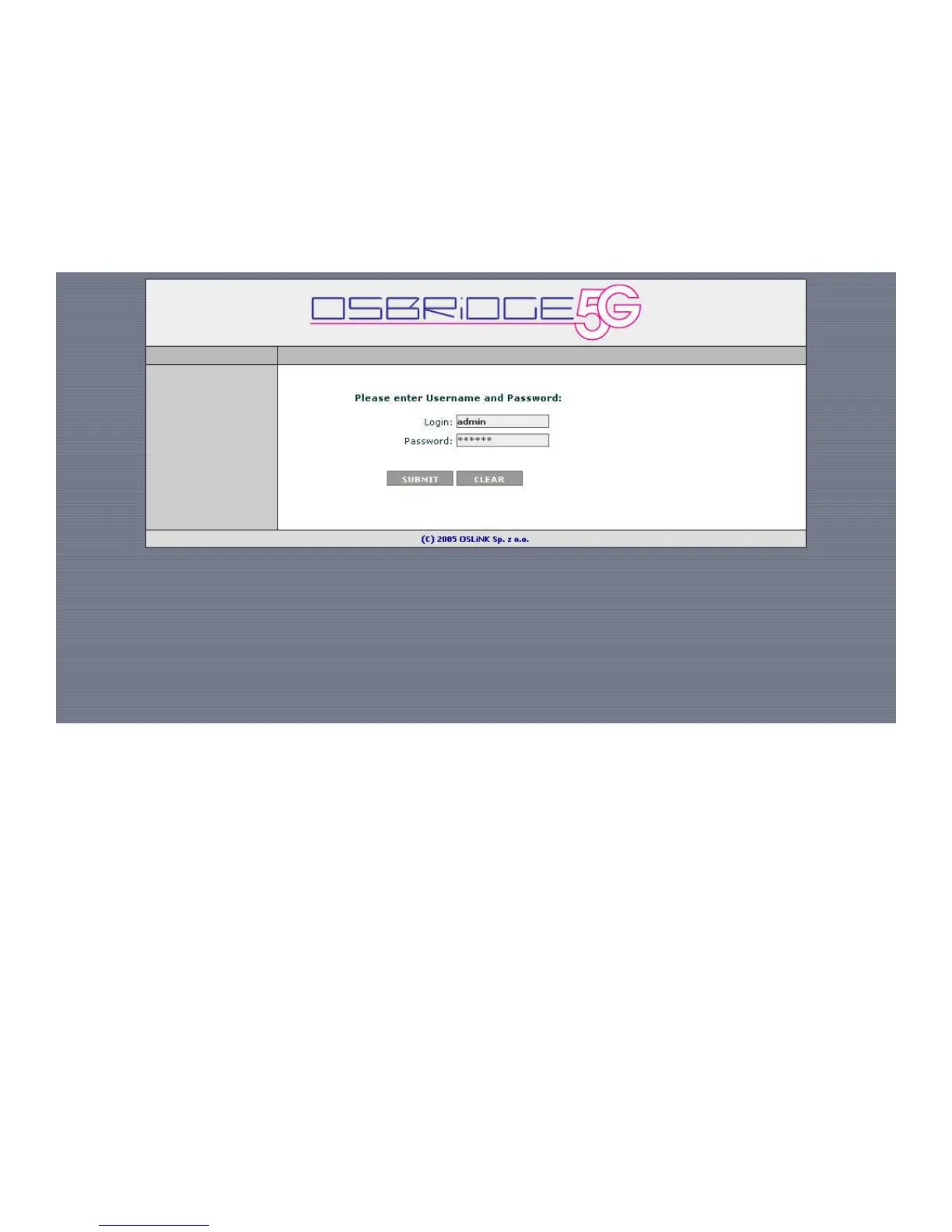
The initial login screen appears as follows:
Please enter username and password, then press submit to log into the device.
Please note that after changing device parameters and pressing “SUBMIT” button,
new settings will only be saved when you press "Apply Configuration" button at the
right bottom of the configuration page. You also need to reboot the device for the
device to start with new settings.


 To Next Page
 Loading...