English-9
TROUBLESHOOTING YOUR BURR MILL
Your Oster
®
Burr Mill has been carefully designed to give you many years of trouble-free
service. In the unlikely event that your new Burr Mill does not operate satisfactorily, please
review the following potential problems and try the steps recommended BEFORE you call an
Authorized Oster
®
Service Center.
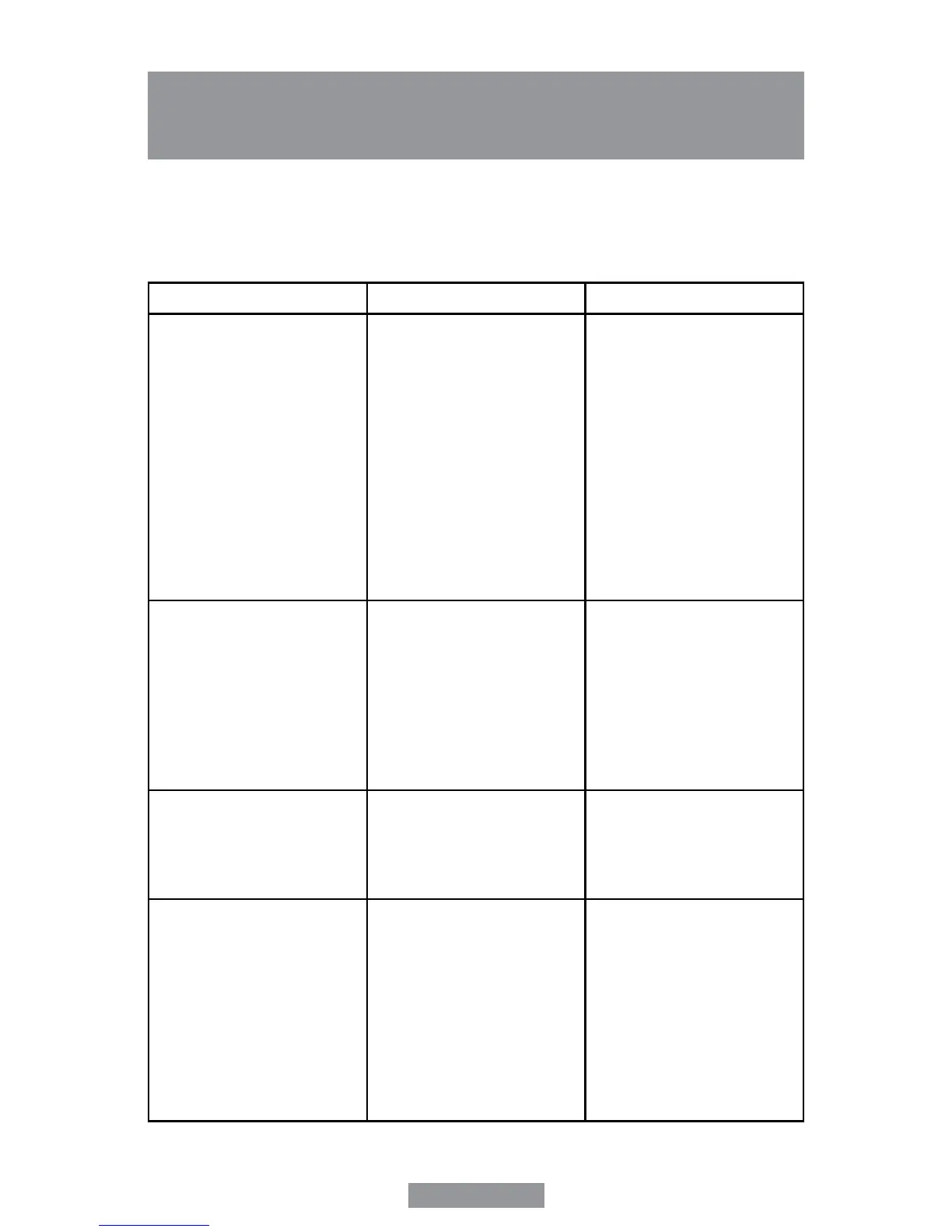
PROBLEM POSSIBLE CAUSE SOLUTION
The unit does not grind • Hopper is not securely placed
• Hopper lid is not on tight
• Ground Coffee Chamber is not
in position
• Start button has not been pressed
• Unit is unplugged
• There’s a power outage
• Motor has overheated, thermal
fuse is open
• Hopper Chute clogged
(or blocked)
• Turn Hopper clockwise until
stops, then move indicator
counterclockwise, back till you
have indicator lined up with
desired grind setting
• Secure Hopper lid
• Place Ground Coffee Chamber
in proper position
• Press and hold briey
start/stop button
• Plug unit in
• Wait for power to be restored
• Unplug unit for at least an hour
then plug back in and use as
needed
• Remove Hopper & empty to
clear blockage
The coffee grounds produced
are insufficient
• Grinder setting is incorrect
• Insufcient amount of whole
beans in hopper
• Ground Coffee Chamber moved
out of position during operation
• Top Burr Mill is not in proper
position
• Unit and Burr Mill are not clean
• There is a foreign object between
the two Burr Mills
• Set grinder setting correctly
• Add beans to Hopper
• Place Ground Coffee Chamber in
proper position
• Unplug unit, place top Burr Mill in
proper position
• Clean unit, unplug it and clean
burr mill
• Unplug unit and carefully
dislodge foreign object
The size of ground coffee particles
Is not consistent
• Unit and Burr Mill are not clean
• There’s a foreign object between
the two Burr Mills
• Grind setting is not correct
• Clean unit, unplug it and clean
Burr Mill
• Unplug unit and carefully
dislodge foreign object
• Turn Hopper to correct grind
setting
The unit stops grinding • Grind setting is incorrect
• Ground Coffee Chamber is not in
correct position
• Start/stop button has been
pressed
• The unit has been unplugged
• There’s a power outage
• Ground Coffee Chamber is full
and is clogging the burr mill
compartment
• Motor has overheated, thermal
fuse is open
• Set grind setting correctly
• Place chamber in proper position
• Press and hold briey start/stop
button again
• Plug unit in
• Wait for power to be restored
• Remove chamber, empty and
replace; unplug unit and clean
Burr Mill compartment if needed
• Unplug unit for at least an hour
then plug back in and use as
needed



 To Next Page