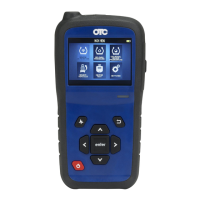
3838TPMSToolQuickStartGuide
©BoschAutomotiveSolutions 3838 575254REV‐BEN2/4
3838TPMSToolQuickStartGuide
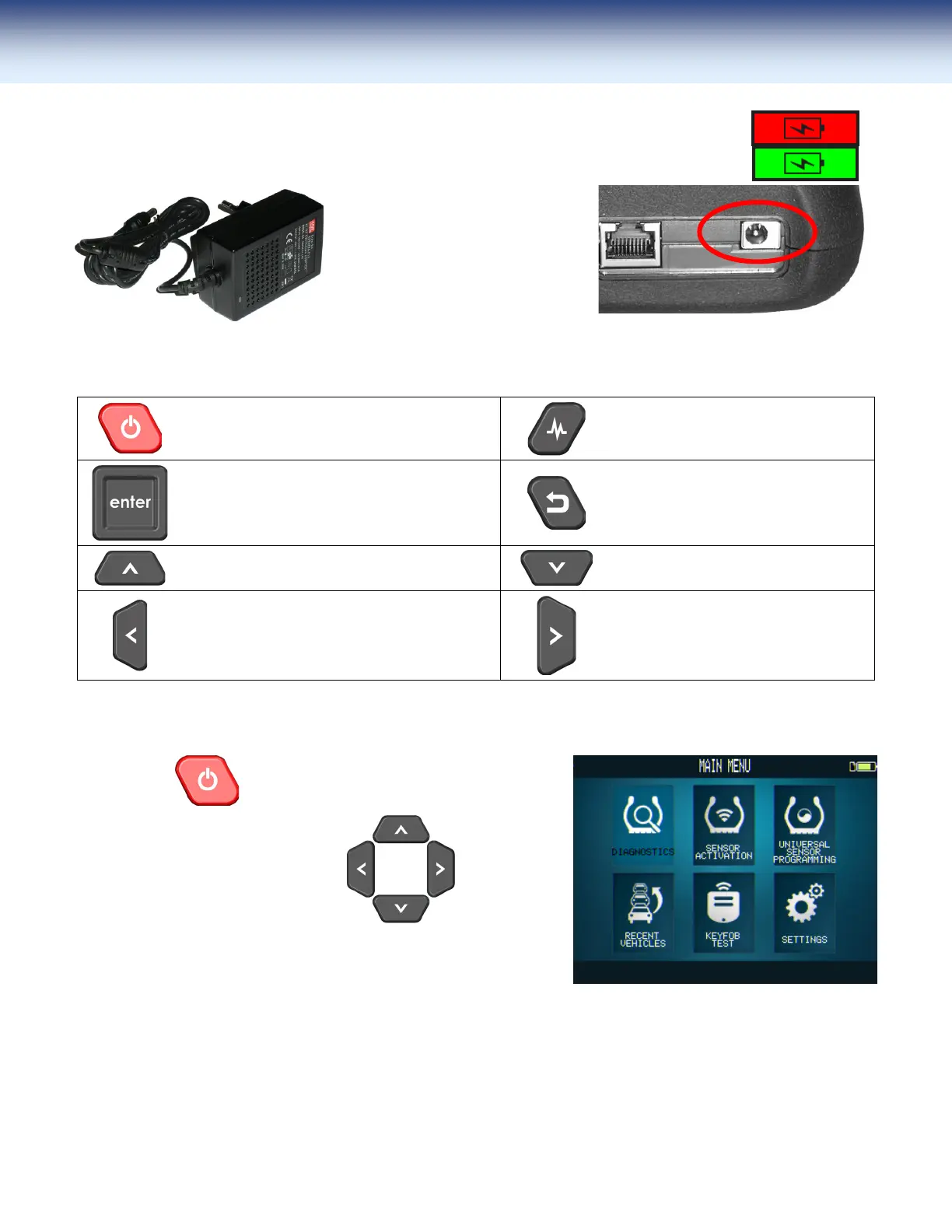
Charge
ConnectthetooltoACpowerand fully chargethebattery.
When charging, the battery light is red and becomes green when the battery is fully
charged.
To charge the tool, connect
theACPowerAdapterintothe
provided jack on the tool and
110V end into an appropriate
walloutlet.TheLED"CHARGE"
lightwillilluminate.
FunctionKeys
PowerON/OFFswitch
ToTest/Activatesensor.
Next,continueorconfirm.
Back,previousstep.
Navigatetoselect"up".
Navigatetoselect"down".
Navigatetoselect"left".
Navigatetoselect"right".
Poweronandstart
Tostart:Press toturnonthetool.
Use
toselecttask.


 To Next Page