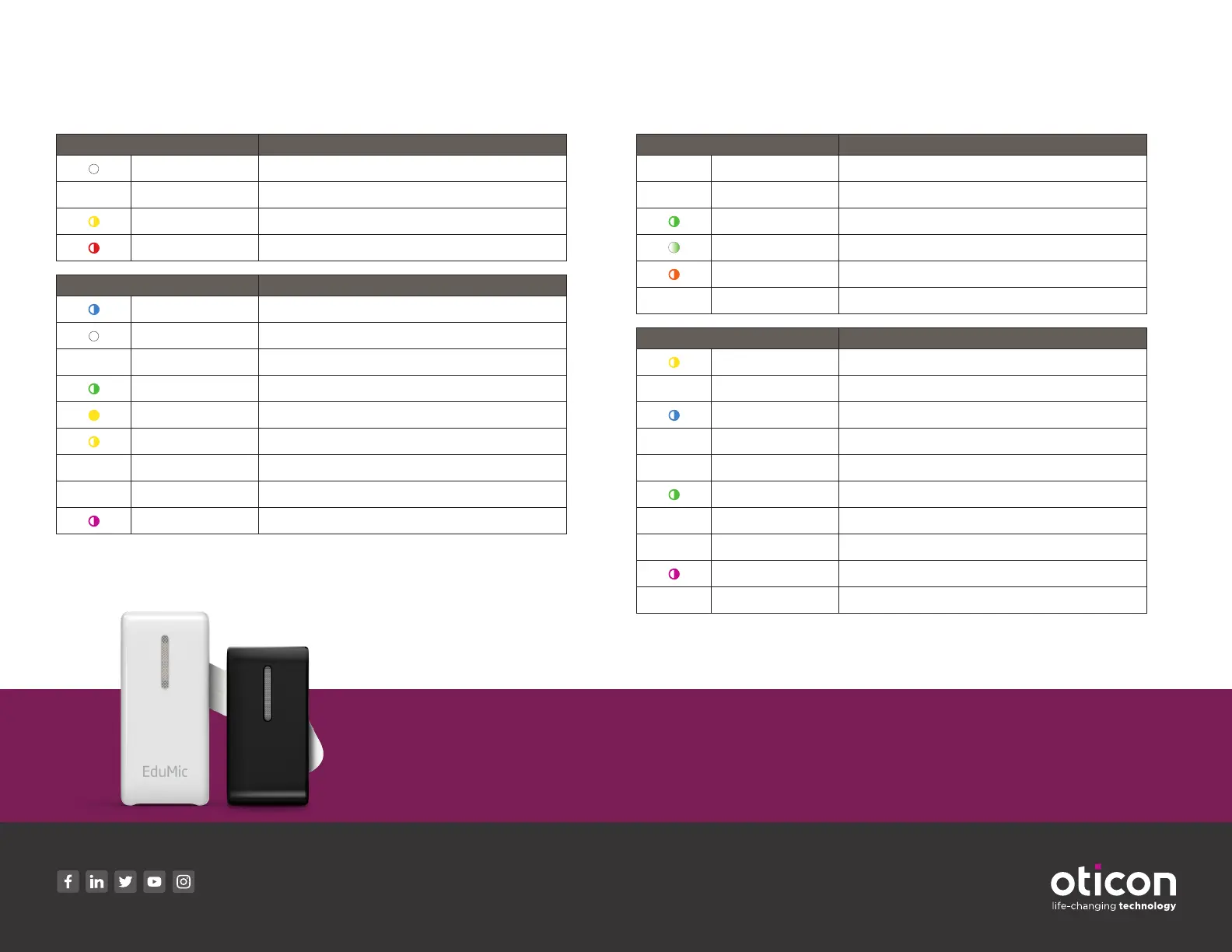
Indicator Light Overview
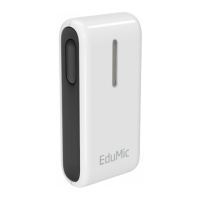
EduMic
Power indicator Description
White Start-up
•
Green Fully charged
Flashing yellow Charging
Flashing red Battery low
Status Indicator Description
Flashing blue Pairing in progress
White Start-up
•
Green ON/Microphone mode
Flashing green Mute in microphone mode
Yellow Jack/FM mode
Flashing yellow Mute in jack/FM mode
•
Red Pairings cleared
•
Magenta Telecoil mode
Flashing magenta Mute in telecoil mode
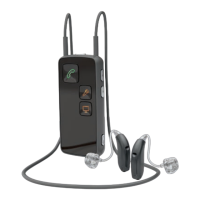
ConnectClip
Power indicator Description
•
Steady red Low battery
•
Steady green Turned on - not charging
Blinking green Turned on - charging
Fading green Turned on - charging complete
Blinking orange Turned off - charging
•
Steady orange Turned off - charging complete
Status Indicator Description
Flashing yellow Searching for hearing aids
•
Steady yellow Hearing aids connected. Not connected to a phone
Flashing blue Searching for mobile phone (pairing)
•
Steady blue Connected to a mobile phone
•
Steady green On a call
Flashing green Incoming call
•
Steady orange Streaming music
•
Steady magenta Remote microphone mode
Flashing magenta Remote microphone reconnecting
•
Steady Gray Paired to BTD800 Bluetooth® USB dongle
20-67423 15500-113/08.20
Need more help?
Visit us at www.oticon.com/solutions/for-children/classroom-hearing-solutions for more
information or call us at 888.684.7331.
www.oticon.com
Oticon is part of the Demant Group.


 To Previous Page