BATTERY
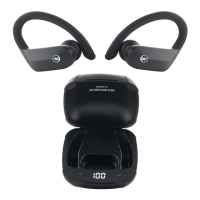
Charging the headset
The headset comes with a built-in rechargable battery. It is
recommended that you charge the battery fully before using the
headset for the rst time. When the headset is low on power, a red
LED ashes twice and the headset emits three “dong” tones every
30 seconds. Please recharge the battery of the headset when this
happens.
Using the USB cable
Plug the USB end of the cable into a computer USB port and the
mini-USB end of the cable into the charging jack found on the
right earpiece of the headset. The red LED light, also on the right
earpiece, will come on while the headset is charging. It takes
about 2 hours to charge the battery fully. When charging is
completed, red LED will be off.
Warning. For your benet, of course.
-Batteries should not be exposed to excessive heat, including
but not limited to sunshine, re, lava or the like.
You’re weeeellllllccccoooommmeee.



 To Next Page