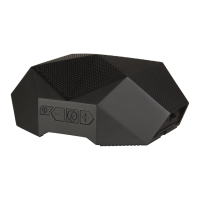
The built in microphone means that the Turtle Shell can be used as a wireless
speakerphone. Just speak in the direction of the top grill.
*NOTE The built-in microphone only works when connected via Bluetooth.
Answer or End a Call: Press the multifunction button to answer and end a call.
Decline a Call: Press and hold the multifunction button for 2 seconds.
Make a Call: Use your phone to dial as usual. Listen and talk through the Turtle Shell.
Redial Last Number: Press the Main Function Button twice.
Mute: Hold the >> and << Buttons for 2 seconds, or until you hear a beep.
Simultaneous Calls: To answer another call, just press the multifunction button.
TALK
8.



 To Next Page