ANATOMY
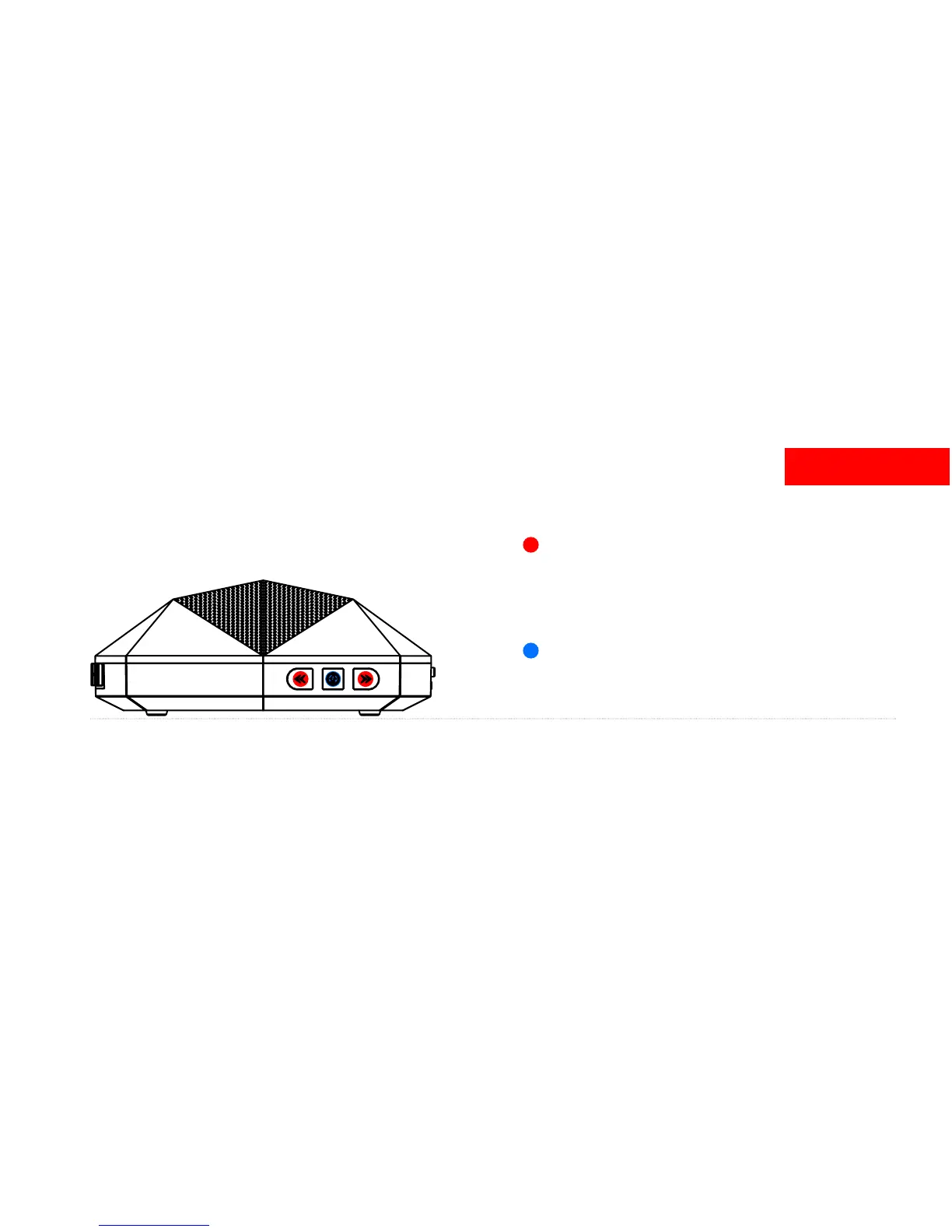
Volume / Track Control
Raise Volume by pressing >>
Lower volume by pressing <<
Skip forward by holding >> for 1-2 seconds
Skip backward by holding << for 1-2 seconds
Multi-Function Button: Music / Calls / Pairing
Press once to Play / Pause OR Answer / Hang up
Hold down for 6 seconds to enter pairing mode
2.



 To Next Page