4 5
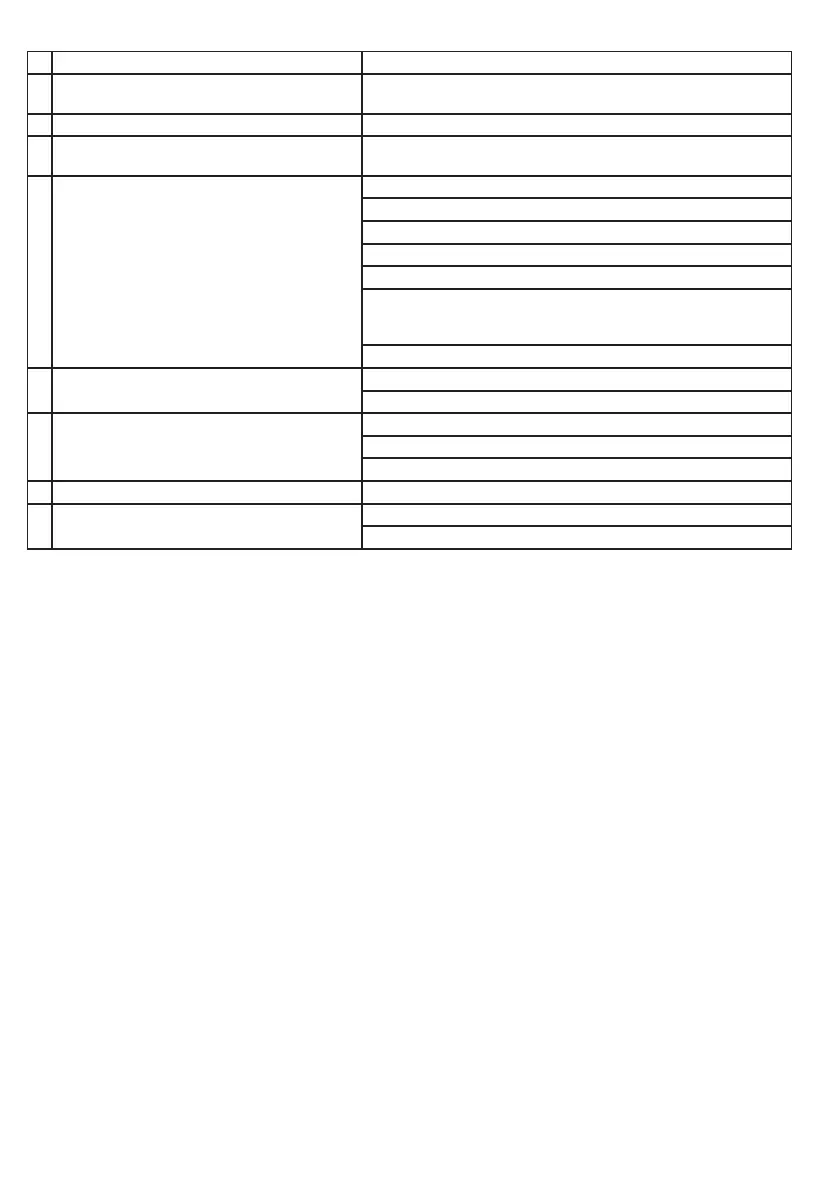
Failure Manifest Solutions
1 Wireless playback interrupt and produce a
sound
Lower battery, please charge
2 Fail to turn on Lower battery, please charge
3 Music intermittent in wireless playback Try to move the wireless device close to the product or
change the audio or equipment location
4 Equimpment cannot pair with wireless audio
connection
Lower battry , please charge
Try to move the wireless device closer to the speaker
Turn o & restart
Device of the computer has wirelessh function or not
Try repeating this product wireless playback and set up steps
Play the music in the only one device , cancel Equipment
and unused pairs (see the documents for help),
in accordance with the procedure set pairing new devices
Wireless name is not correct
5 No call function Repair again
Check the setting of the phone(see the phone manual)
6 Key failure Lower battery, please charge
Turn o & restart
Please use the original adapter for this item
7 Weak sound or loud sound Touch "+/- " key to the suitable level
8 No output for power bank Built-in battery low power, pls charge
The product is in charging status
Troubleshooting
UK
Opal_Manual_OUT18.indd 4 18-10-2017 13:49:01


 To Next Page
 Loading...