130 mm
125 mm
CONNECTING OXI PRODUCTS TO EACH OTHER
The products of the Oxi range can be connected together 2 by 2 using the pairing procedure [A] described below.
WARNING! The OxiTurn and OxiMote in the package are already connected to each other. It is therefore not
necessary to use the pairing procedure. Use this procedure if you want to connect an additional Oxi product or if you
have deleted the pairings of an Oxi product.
[A]
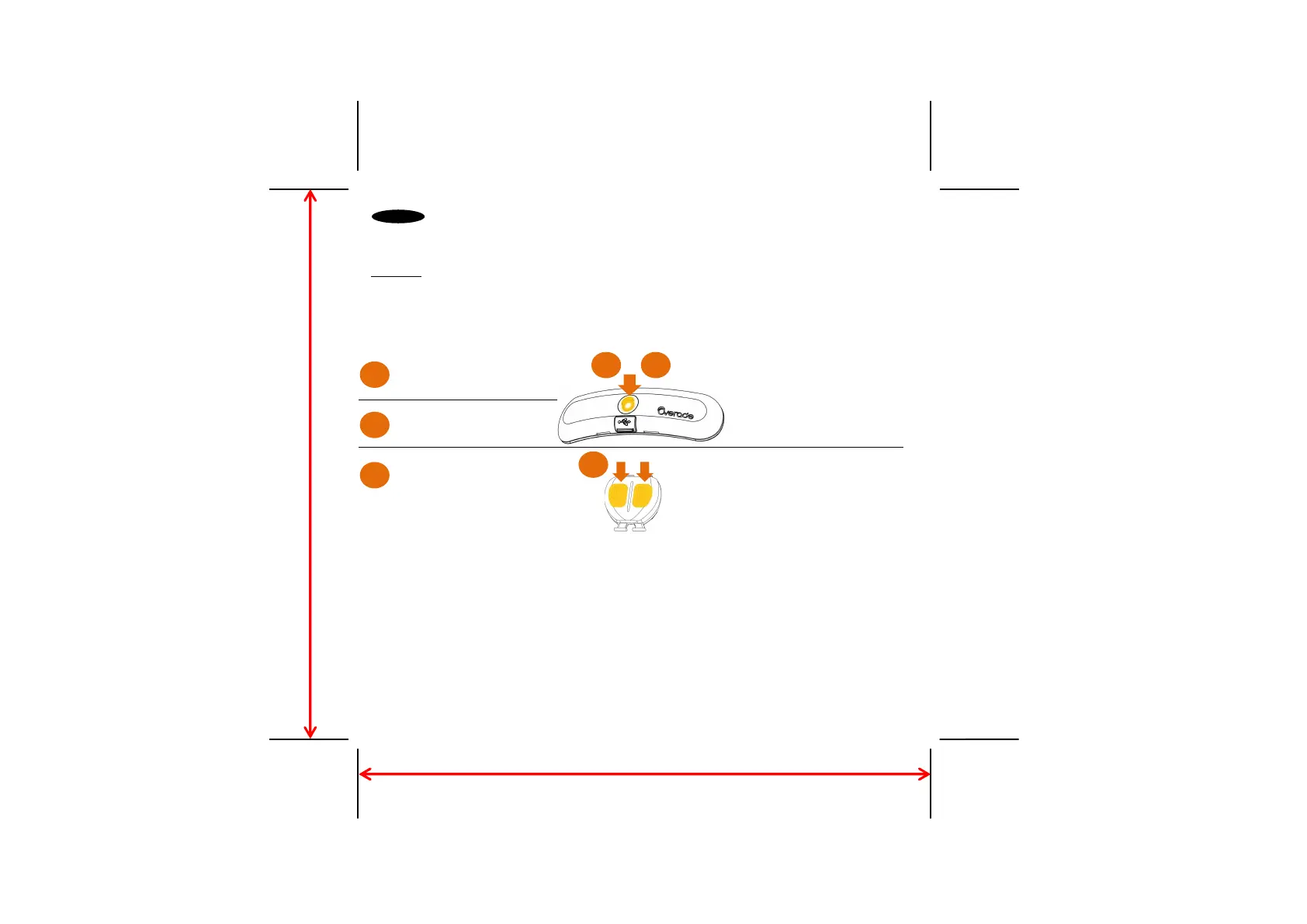
- PAIRING OXITURN LIGHT WITH OXIMOTE
*Repeat the pairing process if not successful.
*If the button on the OxiTurn lights up alternately in red and green, or if the OxiMote lights up in orange
and red after pairing instead of continuously, this means that it cannot be paired with additional
products. Delete all pairings to be able to pair a new one (see
[C]
)
[B]
- MULTI-PAIRING
To connect an additional OxiBrake or OxiMote to your OxiTurn lighting, repeat the procedure
[A]
.
To connect an additional OxiTurn light to your OxiMote, repeat the procedure
[A]
.
On OxiTurn light,
switch on the light by pressing
and releasing the button
Press and hold the button (at
least 6s) until the button flashes
orange
On OxiMote,
press and hold the 2 buttons (at
least 4s) until they flash orange
1 2
=> If the pairing is successful :
- the light button lights up
continuously in orange for
a few seconds and then
turns off
- OxiMote buttons light up
continuously in orange for
a few seconds and then
turns off
=> Other cases*
3
2
1
3
EN



 To Next Page