TITANIUM
CUSTOMIZE LIGHTING
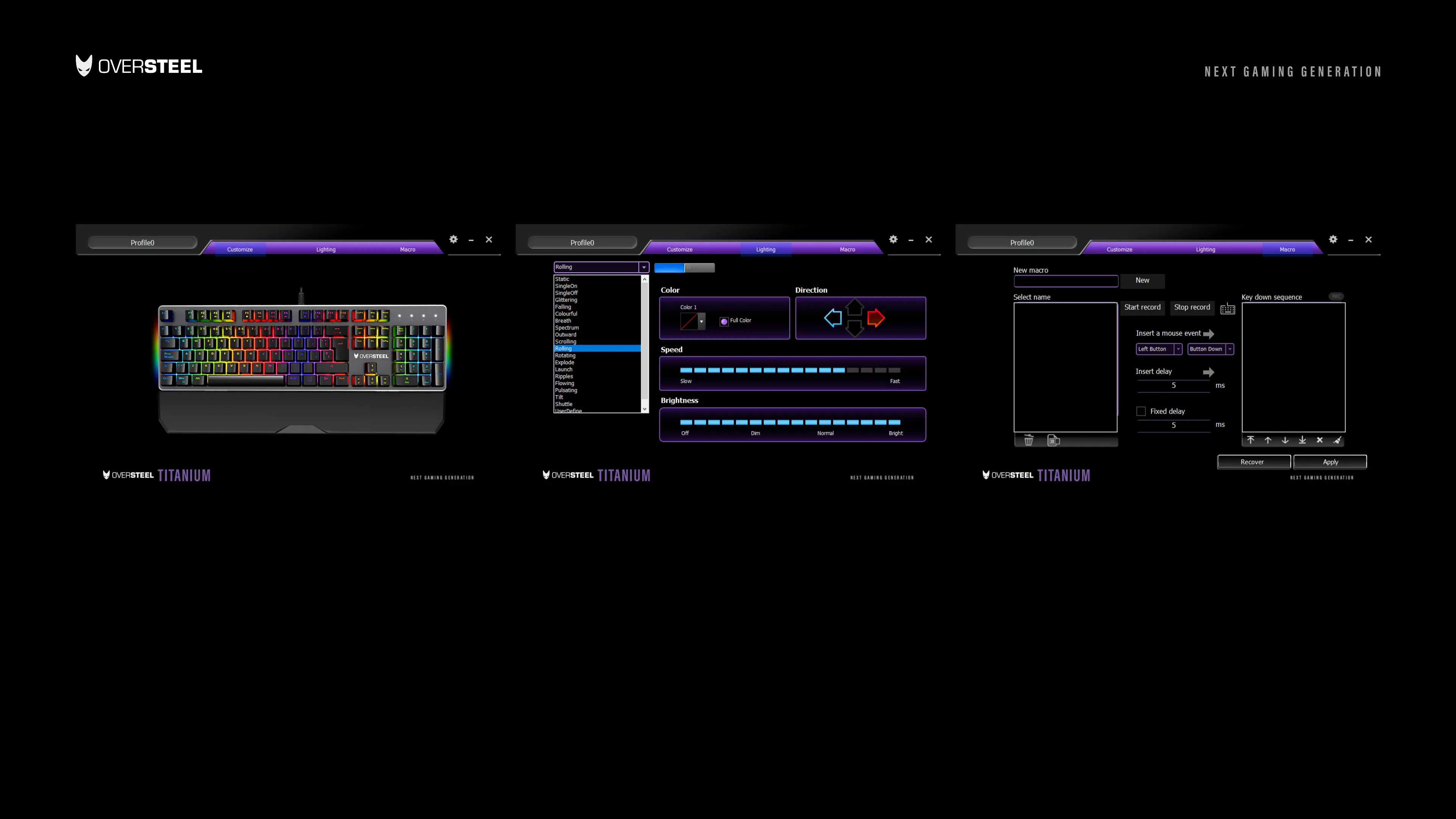
• Select each key for function replacement
• You can choose from 8 dierent customization for each key
• After choosing your desire function Press OK.
• You can select up to 19 Illumination mode.
• You can customize your own key color by selecting “User Define”.
• You can customize the illumination direction, speed and even the
brightness.
MACRO EDITTING & SETTING
• To make a new macro in settings, input the macro key and then input
the action.
• The command recording will start just after you press the Record
button.
• You can edit the delay time before saving the macro.
• Press the save button to save your macro and then it will be red.



 To Next Page