EASY INSTALLATION
INSTRUCTIONS
STEP 3: ATTACH
PLATE TO WALL
Thoroughly clean area where
Wall Plate will be applied.
Carefully remove red covering
from adhesive strips.
Place Wall Plate in desired
location within shower.
Press and hold firmly in place
for 30 seconds.
Attach speaker to wall plate.
STEP 1: CHARGE
SPEAKER
Connect small end of
USB cable into DC 5V
socket located on speaker
and connect large end to
computer or AC/DC adapter
(not included).
Red light indicates when
speaker is charging. When
the battery is charged, the
red light will turn off.
STEP 2: PAIRING
SPEAKER AND
DEVICE
Turn on speaker by pressing
power button until a chime
sounds.
Turn on mobile phone and
activate Bluetooth function.
Search for available
Bluetooth devices and select
“BTS-06”. If password is
required, type “0000.” A
chime sounds when pairing
is complete.
STOP!
NEED HELP?
PLEASE DO NOT RETURN THIS
PRODUCT TO THE STORE.
If you need installation assistance, replacement
parts or have questions regarding our warranty
please contact customer service at
1.866.440.9257
or 1.775.420.5600
Support is also available via email at
support@oxygenics.com
Be sure to visit our website at
www.oxygenics.com
Business Hours:
Monday-Thursday 7:00 am to 5:00 pm PST
Friday 7:00 am to 4:30 pm PST
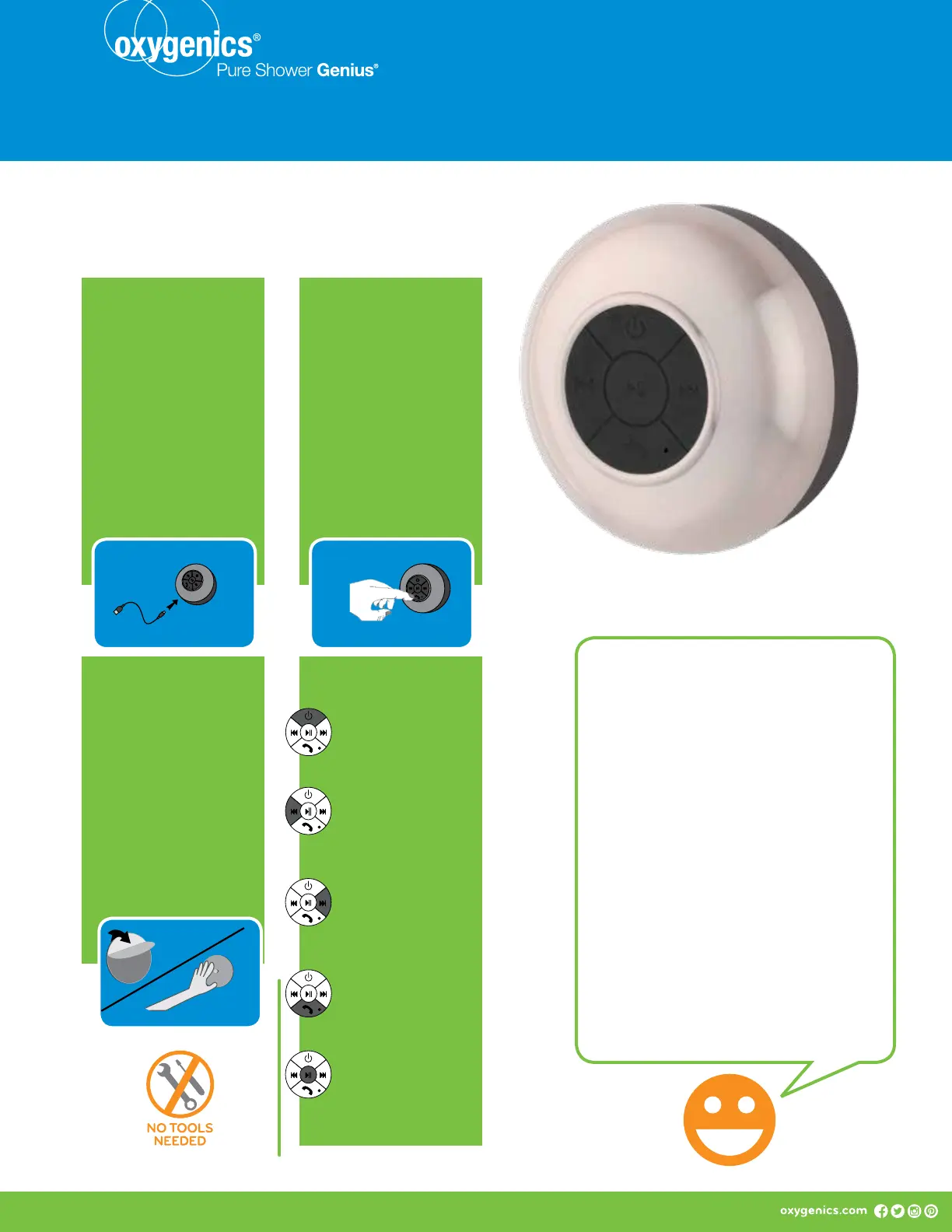
BUTTON
DESCRIPTIONS
POWER BUTTON
Press and hold to turn
on or off.
BACK BUTTON
Press for last song.
Press and hold to turn
down volume.
FORWARD BUTTON
Press for next song.
Press and hold to turn
up volume.
PHONE BUTTON
Press to pick up or hang
up phone calls.
PLAY/PAUSE
BUTTON
Press to play or
pause music.
Water-resistant speaker


 To Next Page
 Loading...