5
Multimedia shortcut keys on keyboard
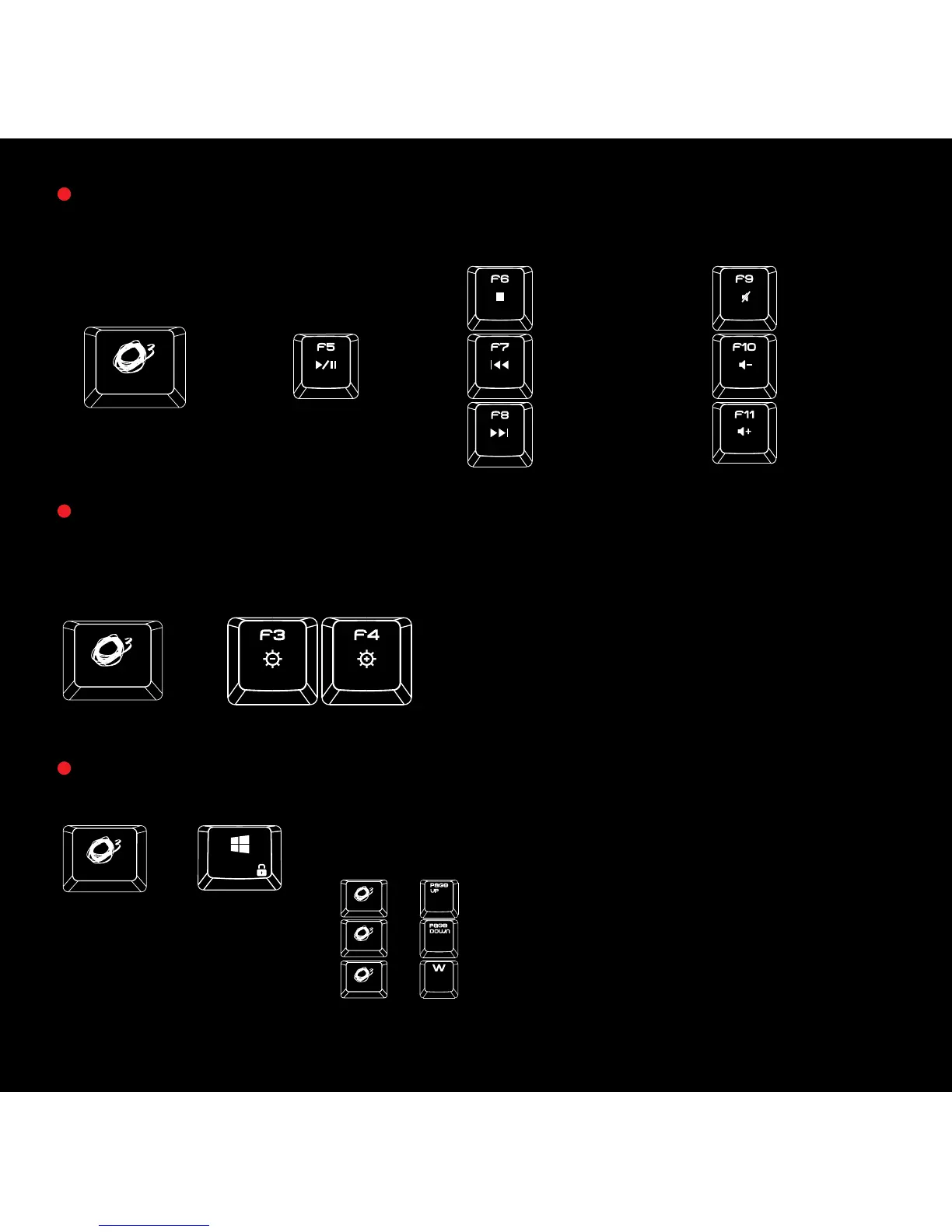
Press
o key for media playback functions
Gaming Mode: Press
o + Windows key on keyboard to enter gaming mode
(G-Mode) and block windows key.
o + W to switch between arrow keys and
WASD functions
o + Page down to set N-keys rollover
o + Page up to set 6 keys anti-ghosting
Additional gaming features:
Stop
Play
Mute
Previous Track
Volume
-
Next Track Volume +
Press o + F3 or F4 on keyboard to increase or decrease back lighting bright-
ness in 5 different levels
Default Mode: 100% Brightness
+
+
+
+
+
+


 To Next Page