7
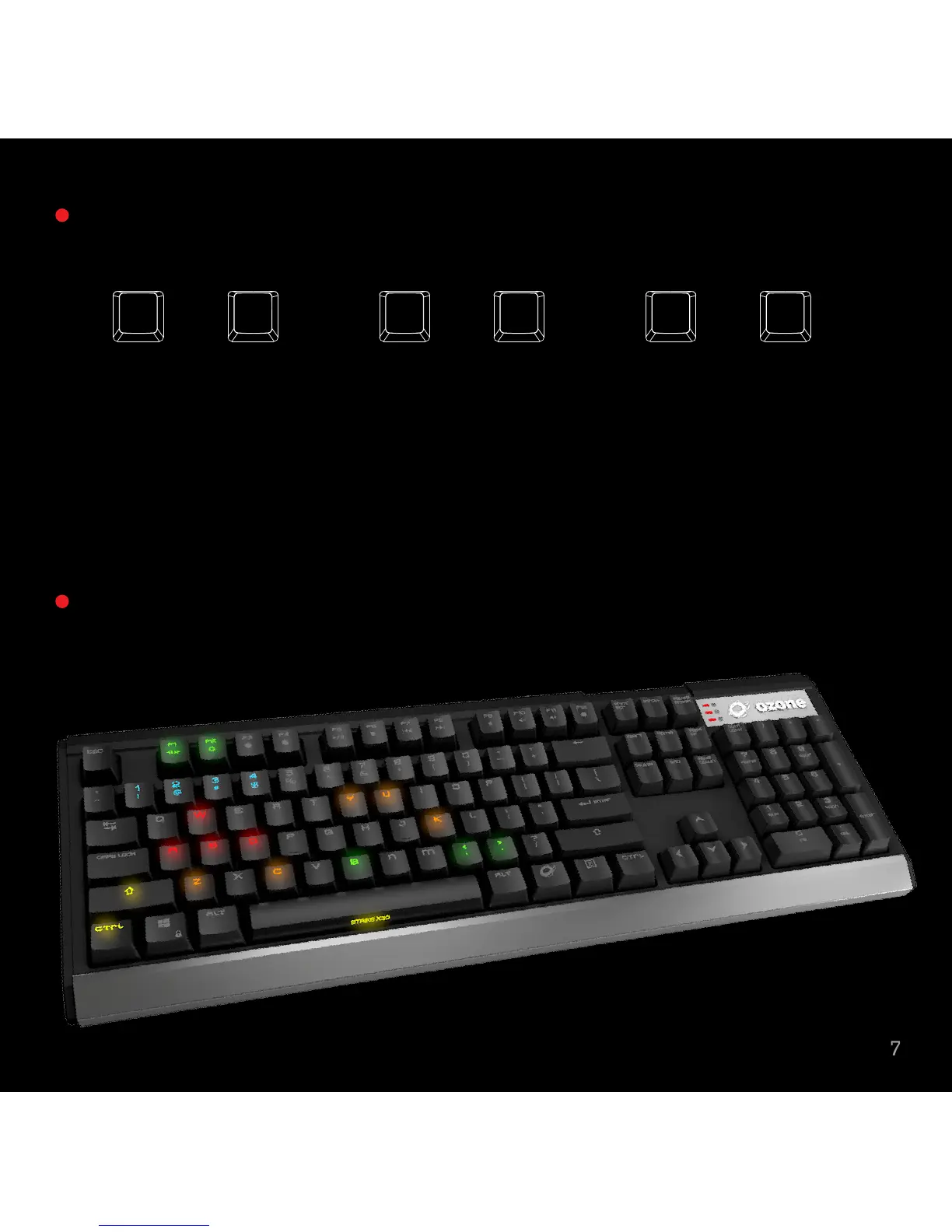
Hold o + Esc, then press F1, release and F3, release and finally F5 on
keyboard to reset the keyboard to factory settings.
Hold
o + Print 3 Sec on keyboard to set the RGB Hue. Print flashing as
RGB Hue control indicator.
Hold
o + Print 3 Sec on keyboard to finish the RGB Hue settings
Push o + Print on keyboard to apply the RGB Hue settings to all keys
Red +/-
Flash when reaching
Max & Min Value
Green +/-
Flash when reaching
Max & Min Value
Blue +/-
Flash when reaching
Max & Min Value
insert delete hOME pageend page
DOWNup


 To Next Page