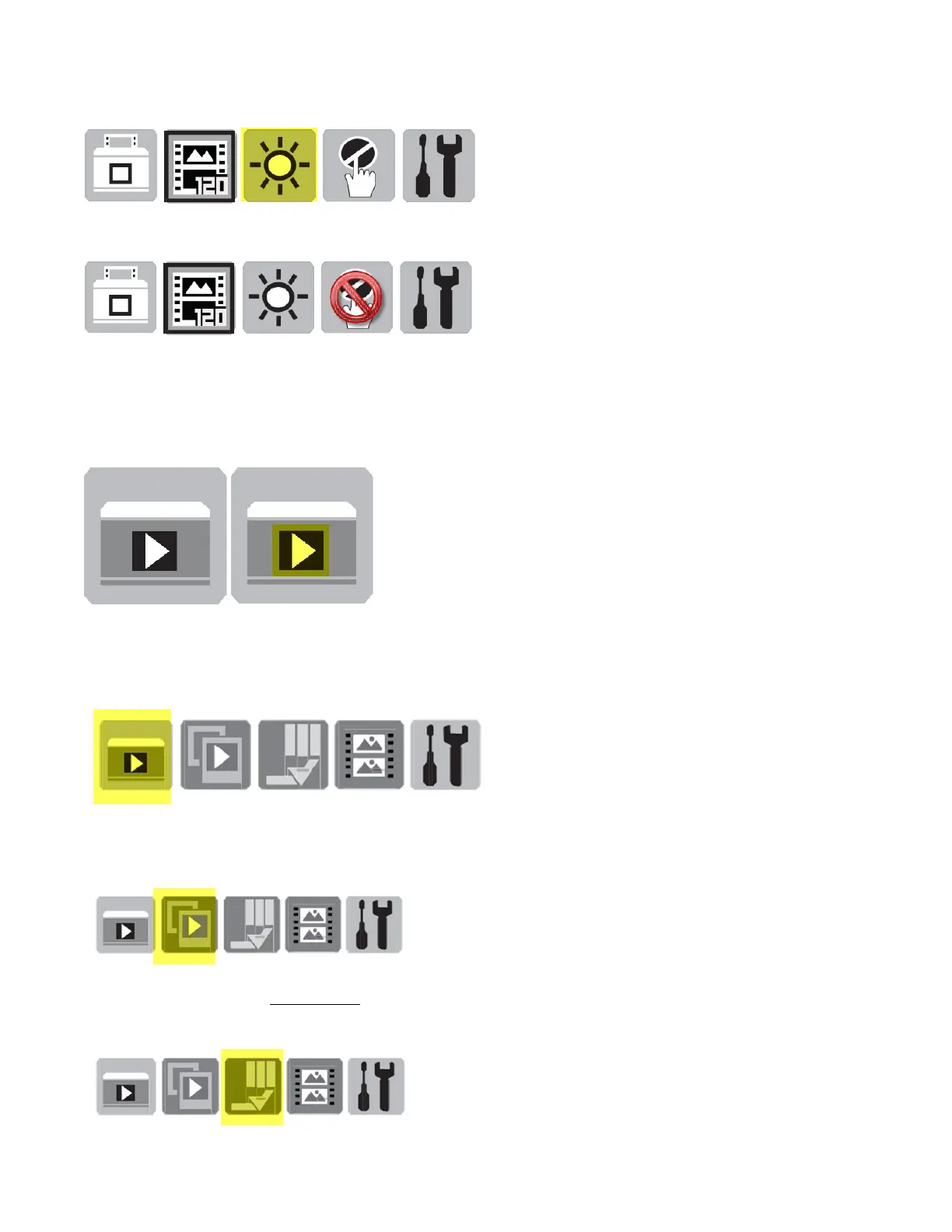
Select Brightness Adjustments
Magic Touch
Not Available when scanning Photographs, if you have selected 120 films the option is ON or OFF
Tools icon referenced below
Press 2 (twice) changes to - Preview Mode – Arrow in the center is preview mode indicator
Press 3 (thrice) - Preview Mode Menu Options
Scan Preview - This allows you to cycle through the images scanned on the card by using the left and
right arrow keys
Slide Show – Plays the images on the card in a slideshow fashion, either directly on the LCD, or when
connecting the unit to a TV
Edit - Rotate / Delete – Rotate Only applies to slideshow viewing, will not save the file rotated, Delete
removes the files permanently from the card



 To Next Page