Charging
04
PadBo t
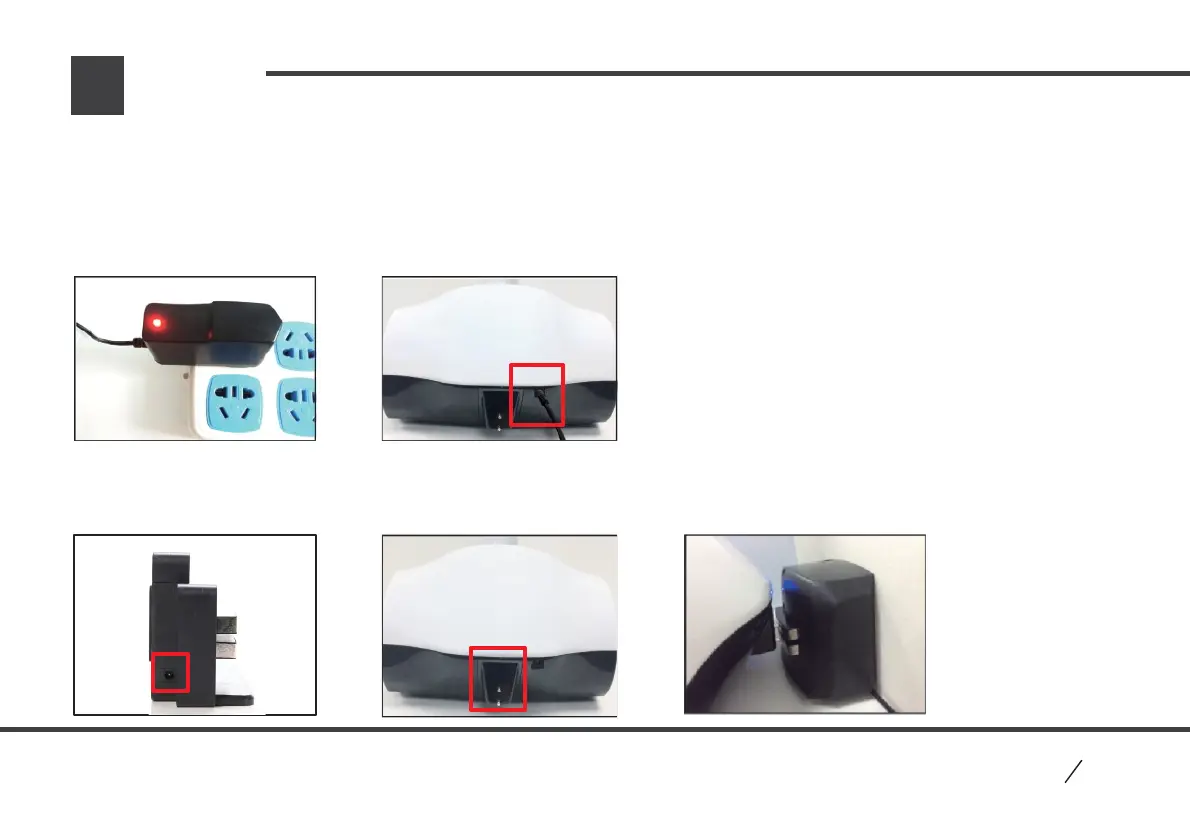
3.2 Way two: Connect charger into the port of Charging Base, use Charging Base to charge robot. After turn on “ auto
charge” function in App, robot will find Charging Base automatically if short of battery, and charge itself. After finish
charging, it will leave Charging Base automatically.
P2
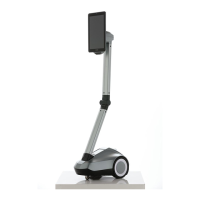
PadBot P2 Charging
1. Robot equips with lithium battery, please charge robot fully in the first time to guarantee normal operation.
2. During charging, the charger’s light is red, when charge fully, the light turns green. And charger still shows green if connects no robot.
3. Two ways to charge robot:
3.1 Way one: Charging by DC charging port.


 To Next Page
 Loading...