Product No. 043-5268-2
14
4. When the draining process is
done, the word “DRAINING” will
disappear, the alarm will beep,
and the deep fryer will turn o.
If the user wishes to turn the
power back on, they must press
the Power Button.
5. Never use the handle to overturn
oil tank to drain oil.
Oil “Auto-Drain” System
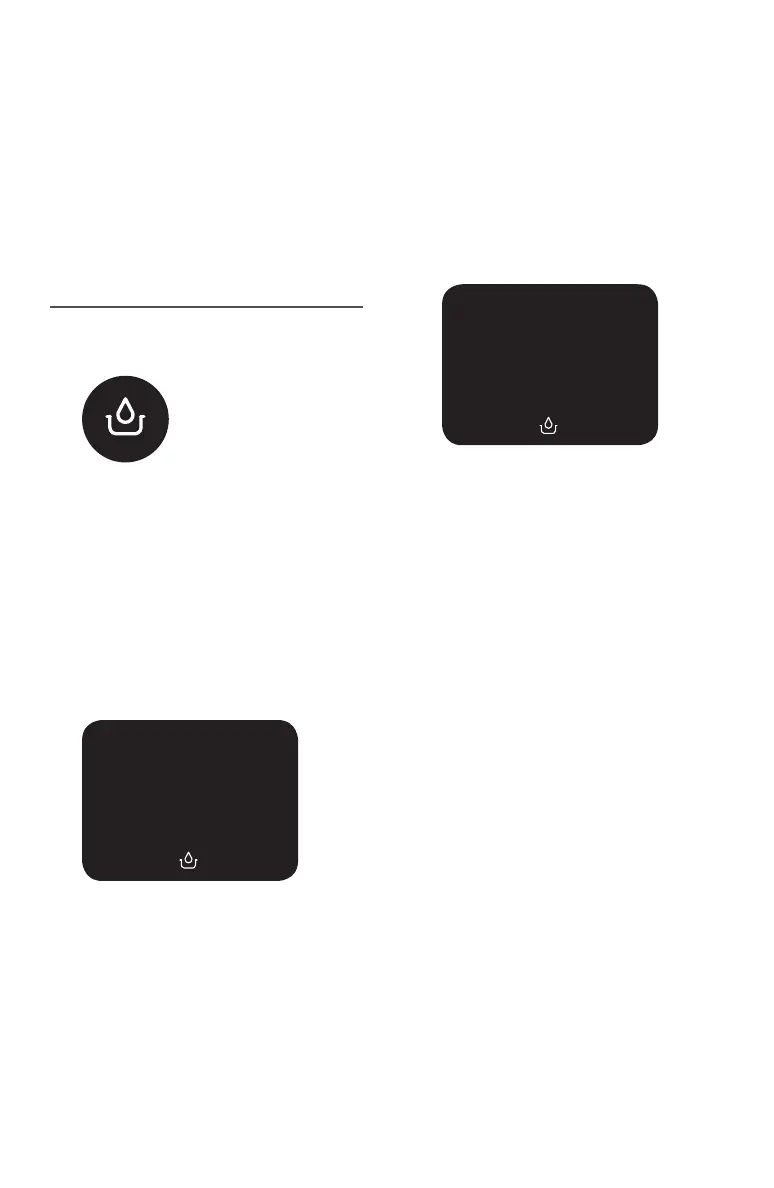
1. If the dial is at 0, the user can press
the “Auto Drain” button, which will
light up.
2. Once the “Auto Drain” button has
been pressed, the word “COOLING”
will appear on the screen and
the temperature icon and preset
temperature (Fahrenheit) will
disappear. “COOLING” will remain
on the screen until the oil has
reached a cool enough temperature
for draining into the reservoir. This
process may take up to 1 hour.
3. Once the draining process starts,
the word “DRAINING” appears
on the screen and the Auto Drain
icon lashes. This process may take
up to 1 hour.
Fig. 1
Fig. 2
COOLING
Fig. 3
DRAINING


 To Next Page