11
The pager allows you to lock up to 10 messages
preventing you from accidentally erasing them or
losing them due to incoming message when
memory is full.
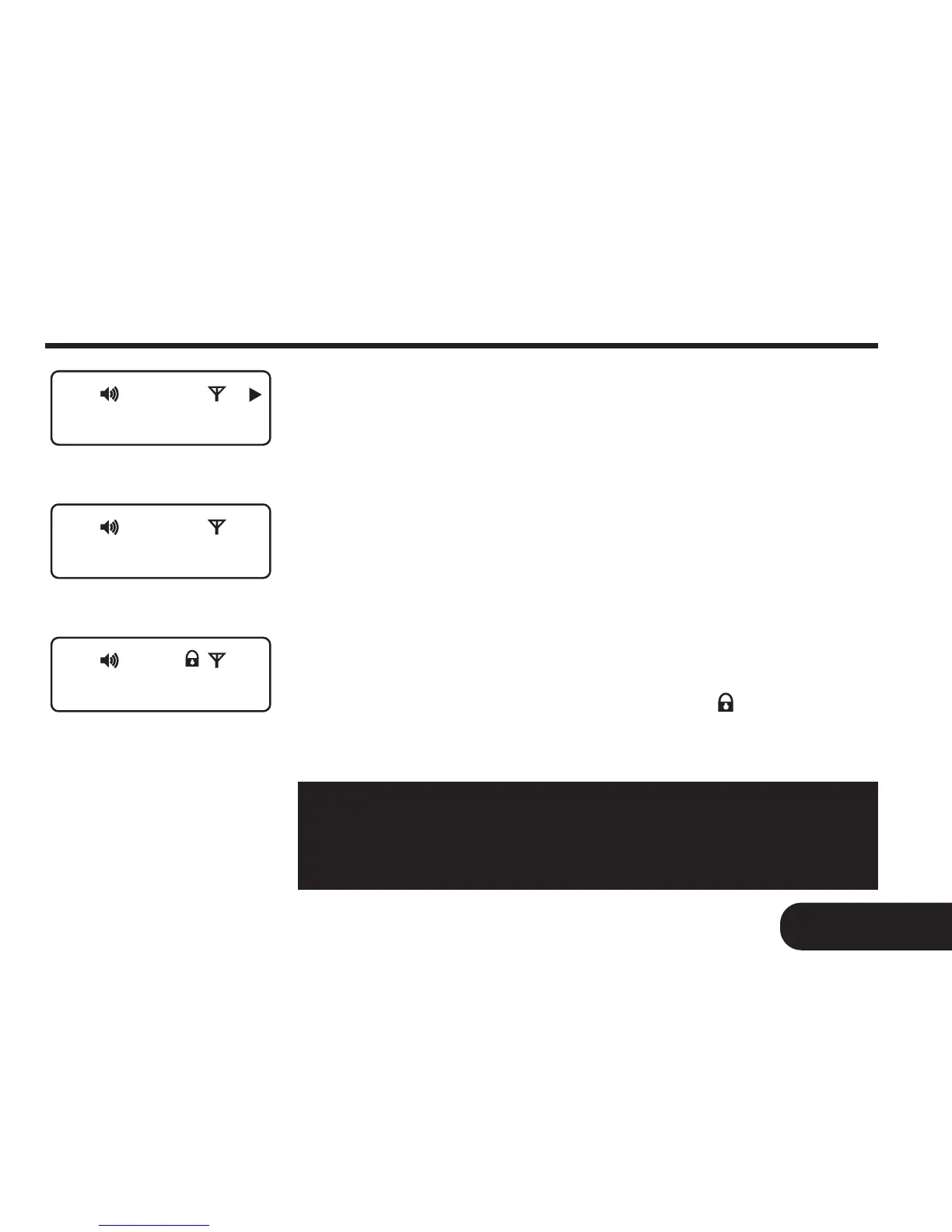
To lock message
Select the message you want to lock by pressing
the READ button to scroll through the memory
(Fig. 11a). Press the FUNCTION button to
display the “LOCK? ” prompt (Fig. 11b). Press the
READ button to lock the message. Pager will
display “LOCKED ” and the lock icon will appear
on the top row of the LCD (Fig. 11c).
15
11. Locking and Unlocking Your Message
Locking and Unlocking Your Message
0805710005
LOCK ?
LOCKED
Note: Lock memory is full when up to 10 messages
are locked. Attempt to try to lock the 11th message
will cause the pager to display “LOCK FULL”
Fig. 11a
Fig. 11b
Fig. 11c



 To Next Page