14
In low light conditions, press the FUNCTION
button to turn on the backlight.
The backlight will go off automatically after 8
seconds.
21
14. Backlighting
09-01 05:00P
Setting the Alarm / Backlighting
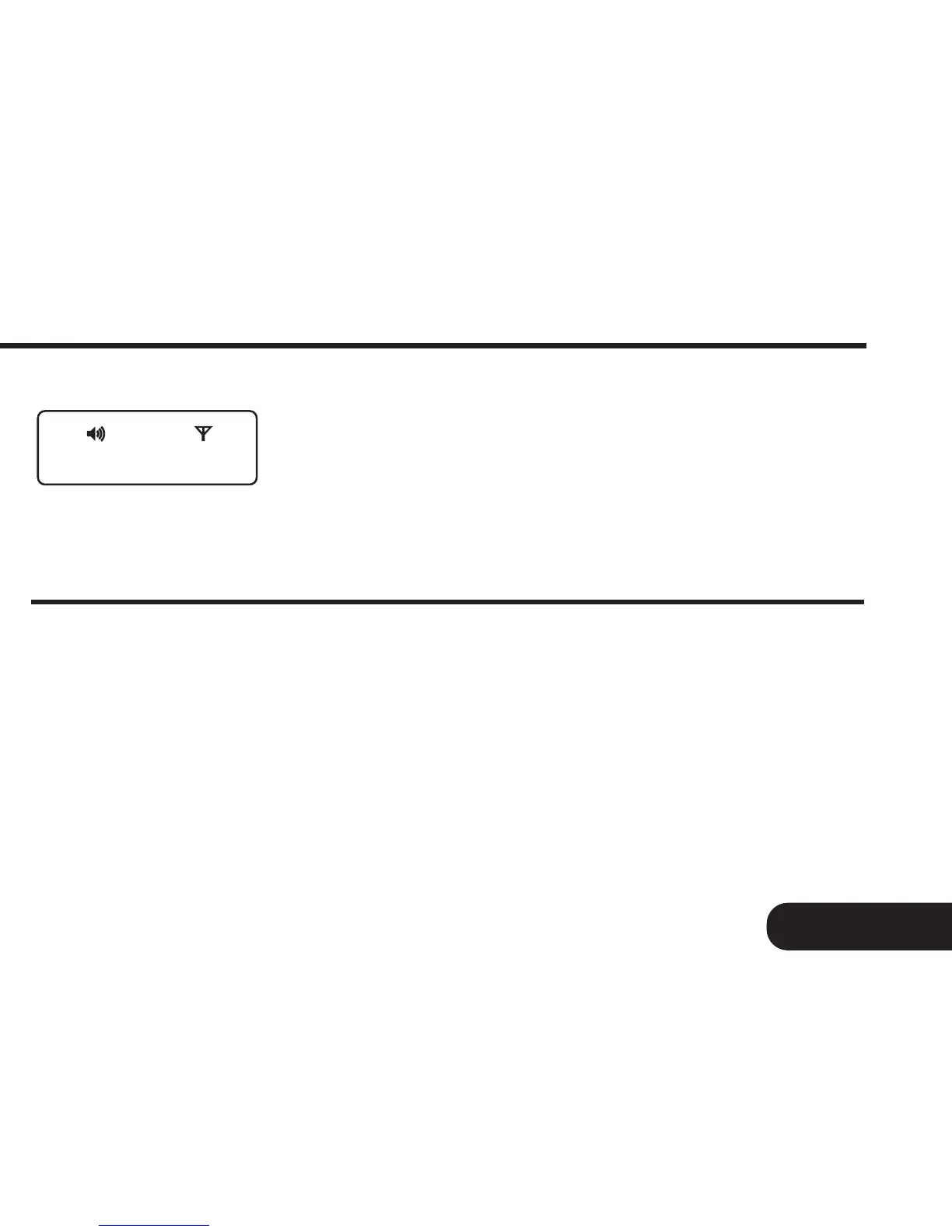
Fig. 13g
Next, press the FUNCTION button to return
the pager to the standby screen (Fig. 13g).



 To Next Page